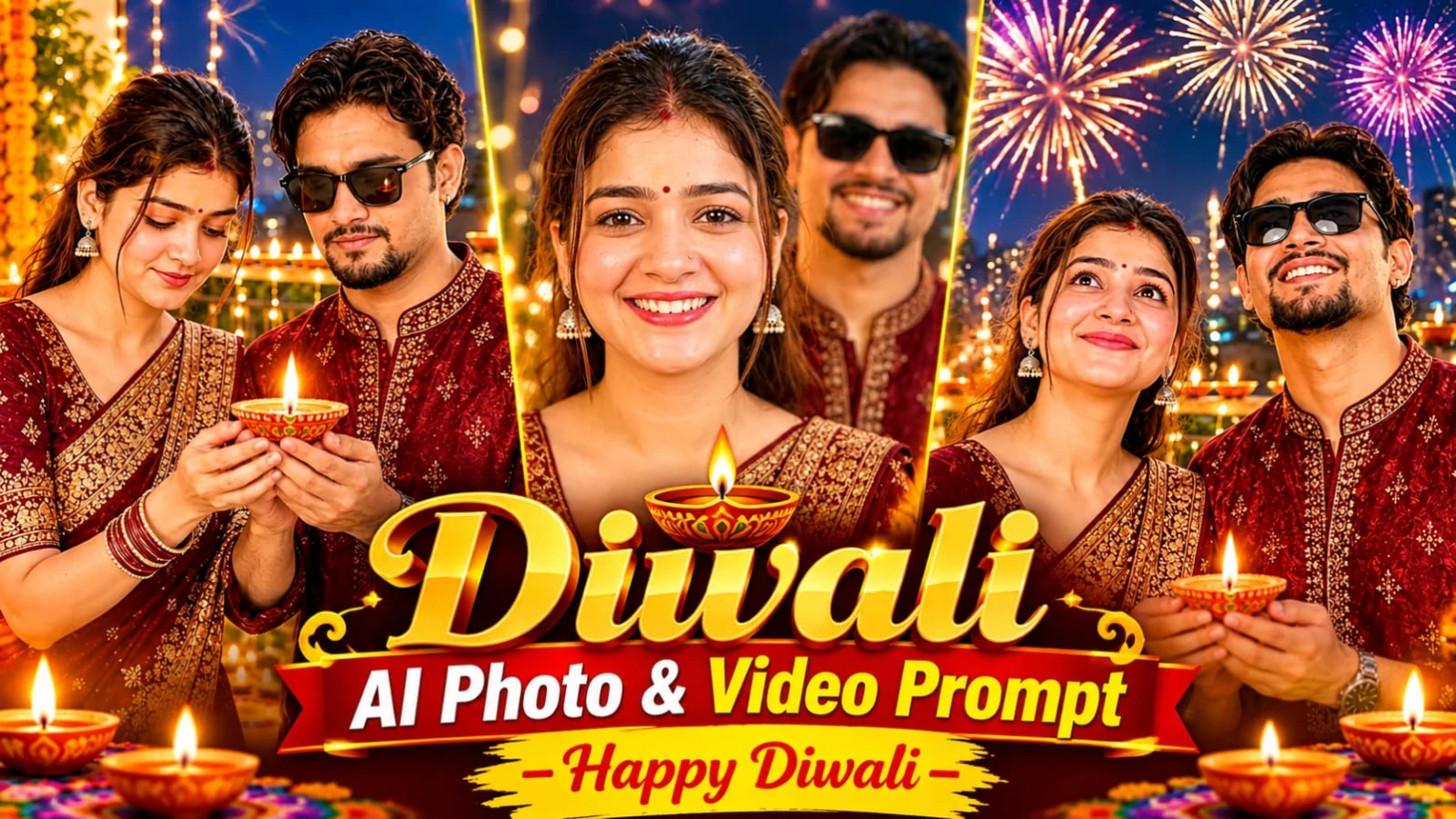
The final video can become a beautiful digital Diwali greeting to share with friends, family, and social media followers.
Pehle Character Sheet Photo Banaai ChatGPT Se
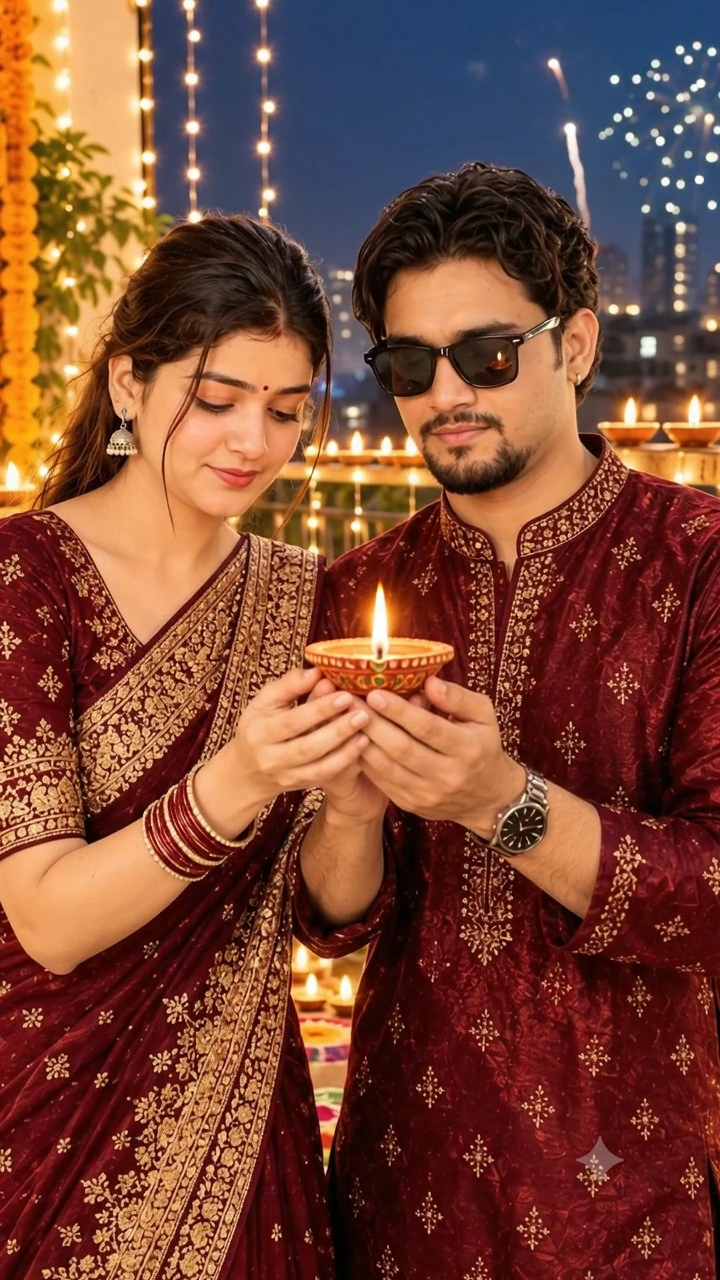

For better visual continuity, use the same generated Diwali photograph as the starting image for the entire video. Keep the prompt's original timing and scene instructions unchanged so the final animation follows the intended 8-second sequence.
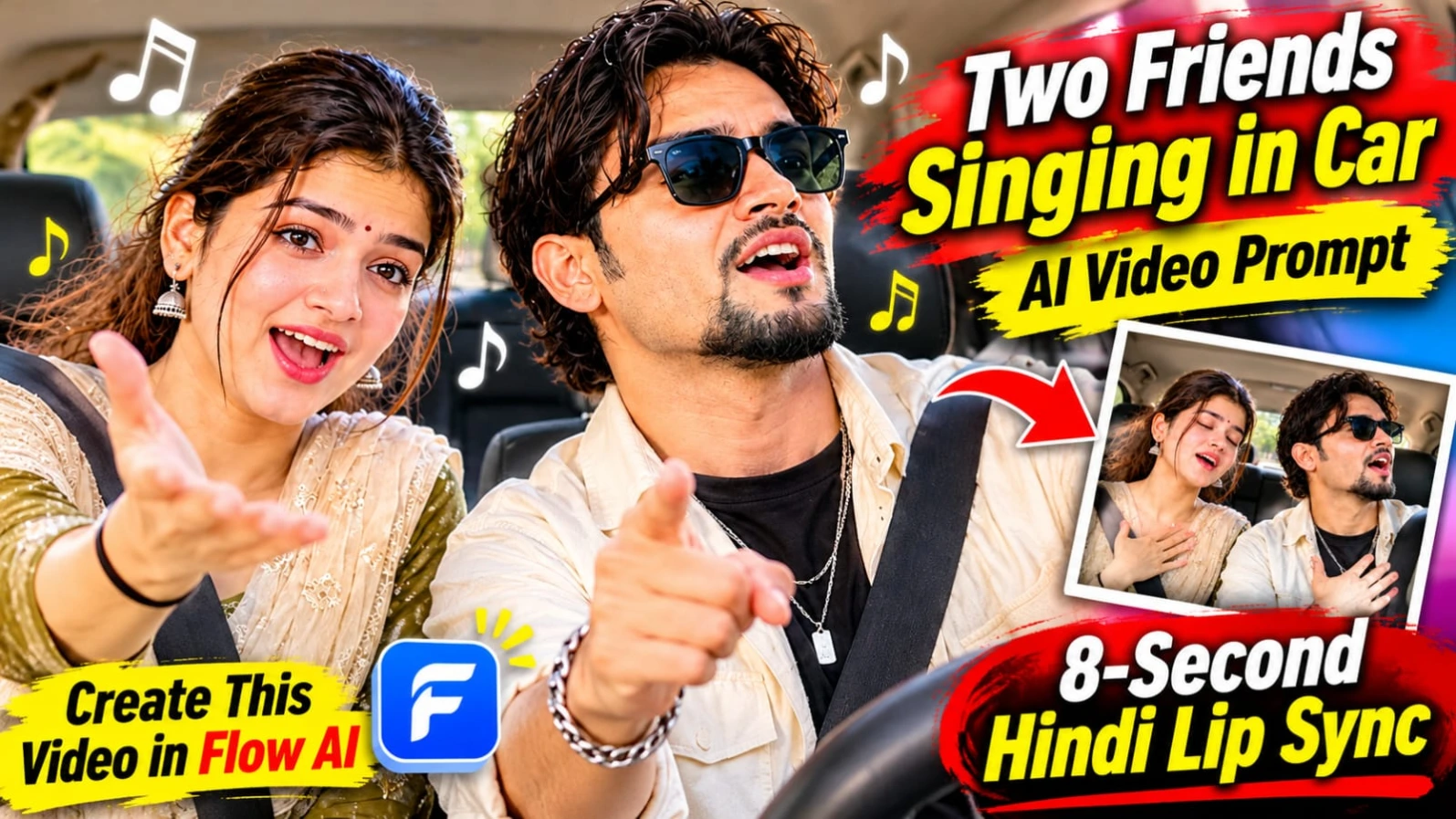
Two Friends Singing in Car AI Video Prompt – 8 Second Hindi Lip Sync
Original URL: https://www.prompt07ai.com/two-friends-singing-in-car-ai-video-prompt-8-second-hindi-lip-sync
Agar aap apne dost ke saath ek funny aur emotional Hindi singing video banana chahte hain, to Two Friends Singing in Car AI Video Prompt ek creative idea hai. Is concept mein do friends car ki front seats par baithkar ek emotional Hindi pop song gaate hain. Dono ke expressions dheere-dheere dramatic hote hain aur video ke end mein dono hansne lagte hain.
Is video ka main focus dono friends ke original face, hairstyle aur outfits ko same rakhna hai. Dashboard-level camera angle, windshield se aati natural sunlight aur realistic car interior video ko natural recording jaisa look dete hain. Video ki total duration 8 seconds aur aspect ratio 9:16 hai.
Two Friends Singing in Car AI Video Kaise Banaye
Step 1: Sabse pehle dono friends ki clear reference photos select karein. Dono ke faces clearly visible hone chahiye. Natural lighting wali photos use karna better rahega.
Step 2: ChatGPT ya kisi compatible AI image generator mein dono reference photos upload karke character sheet photo banayein. Prompt mein dono ke original face, hairstyle aur skin tone preserve karne ki instruction dein.
Step 3: Character sheet ya suitable car selfie ko image-to-video generator mein upload karein. Dono friends ko car ki front seats par side by side baitha hua dikhayein. Seatbelts aur dashboard bhi visible hone chahiye.
Step 4: Master video prompt copy karein. Ismein emotional Hindi pop ballad aur car radio par fast energetic piano riff ka description rakhein.
Step 5: Video ko teen parts mein generate karne ki instruction dein:
0–2 seconds: Dono ek doosre ki taraf dekhkar smile karte hain aur gaana softly lip-sync karna shuru karte hain.
2–5 seconds: Dono emotional expressions dete hain, hands ko heart par rakhte hain aur piano rhythm ke saath head move karte hain. Ek friend doosre ki taraf point karta hai.
5–8 seconds: Dono dramatic expressions ke saath chorus gaate hain aur end mein zor se hansne lagte hain.
Step 6: Original lyrics ko Roman Hindi mein use karein:
"Subah ki dhoop mein tera naam likha... Har mod pe dil ne tujhe dhundha... Tere raaste, tere raaste, chal padi hoon main tere raaste."
Step 7: Camera ko fixed dashboard-level two-shot rakhein. Slight handheld shake aur slow push-in use karein. Extra camera cuts, subtitles aur watermark add na karein.
Step 8: Final video mein dono ke faces, outfits, lip-sync aur laughter check karein. Agar Hindi lip-sync sahi nahi aa raha, to video alag generate karke recorded song ya voice ko editing app mein synchronize karein.
Actual audio generation aur lip-sync quality selected AI platform par depend karegi.
Emerald Green Continental 650 AI Video Prompt – 19 Cinematic Scenes
Original URL: https://www.prompt07ai.com/emerald-green-continental-650-ai-video-prompt-19-cinematic-scenes
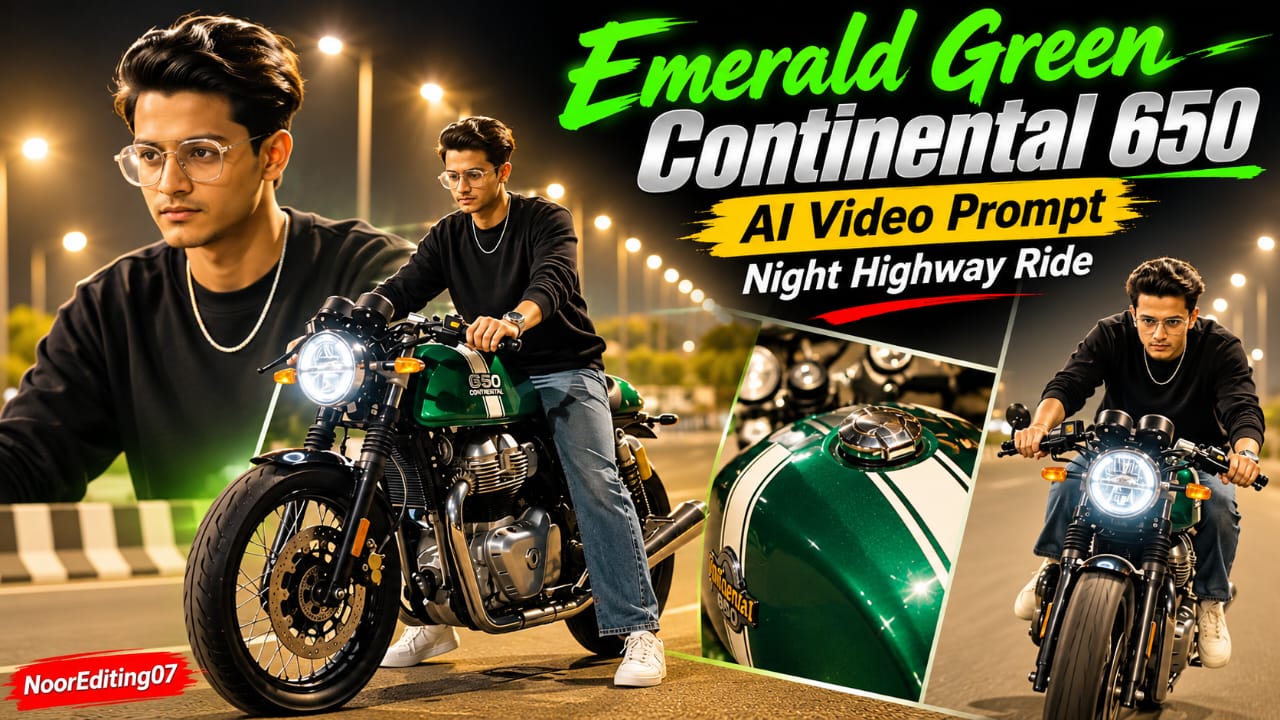
Emerald Green Continental 650 AI Video Prompt ek cinematic night highway motorcycle video concept hai. Ismein metallic emerald-green cafe racer motorcycle, bright highway streetlights aur green engine underglow ka combination diya gaya hai. Video ka main character black crewneck sweatshirt, loose-fit washed blue jeans, white sneakers aur silver chain pehenta hai.
Is concept ki khaas baat iska 19-scene sequence hai. Ismein motorcycle ke close-up beauty shots, rider ke walking scenes, bike par baithne ke moments aur highway riding shots shamil hain. Rider ka head bareheaded rahega, yani helmet ya cap nahi hoga. Har scene mein motorcycle ka same design aur rider ki same appearance maintain karna important hai.
Emerald Green Continental 650 Flow AI Video Kaise Banaye
Step 1: Sabse pehle apni clear face photo select karein. ChatGPT ya kisi AI image generator ki help se character turnaround sheet banayein. Ismein front, side, back aur three-quarter views rakhein.
Step 2: Character ka outfit same rakhein: plain black crewneck long-sleeve sweatshirt, loose-fit washed blue jeans, white sneakers aur silver chain. Hair aur face reference photo ke according preserve karein.
Step 3: Motorcycle ki reference image ready karein. Ismein metallic emerald-green body, white racing stripes, round LED headlight, clip-on handlebars aur green engine underglow clearly visible hon.
Step 4: Flow AI open karein aur supported reference-image feature se character aur motorcycle ki images upload karein.
Step 5: Master video prompt copy karein. Highway ko clean, spacious aur brightly illuminated rakhein. Warm amber streetlight bokeh aur lifted shadows use karein, taaki rider aur motorcycle dark na dikhein.
Step 6: Pehle scenes mein motorcycle ke front wheel ka low-angle shot, rider ka bike par baithna aur dono feet se motorcycle ko backward move karna dikhayein.
Step 7: Agle shots mein glossy green fuel tank, dual instrument dials, clip-on handlebars, mirrors aur chrome exhaust ke close-ups rakhein. Vertical whip-pan transition ke baad fuel tank ka beauty shot dikhayein.
Step 8: Middle scenes mein rider ko motorcycle ke paas walk karte, empty highway par khade hokar bike ki taraf dekhte, bike ke paas aate aur seat par baithte hue generate karein.
Step 9: White sneaker ko footpeg par rakhne ka close-up, chrome exhaust aur GT 650 badge ka detail shot include karein.
Step 10: Final scenes mein motorcycle ko asphalt highway par smoothly accelerate karte dikhayein. Rider right arm outward stretch kare, handlebars par lean kare aur overhead streetlights ke neeche cruise kare. Last shot mein rider camera ki taraf aate hue ek hand se chest tap karta hai.
Step 11: Total 19 scenes ko 9:16 vertical format mein arrange karein. Har scene mein same bike color, body shape, racing stripes aur rider outfit maintain karein.
Step 12: Export se pehle face, hands, motorcycle details aur scene transitions check karein. Bottom corner mein NoorEditing07 watermark add karein, agar AI generator sahi text produce nahi karta.
120fps aur 8K visual style desired specifications hain. Actual resolution aur frame rate Flow AI ki available settings par depend karte hain.
Red Energy Veins S Letter Hand AI Video Prompt – 9:16 VFX
Original URL: https://www.prompt07ai.com/red-energy-veins-s-letter-hand-ai-video-prompt-9-16-vfx
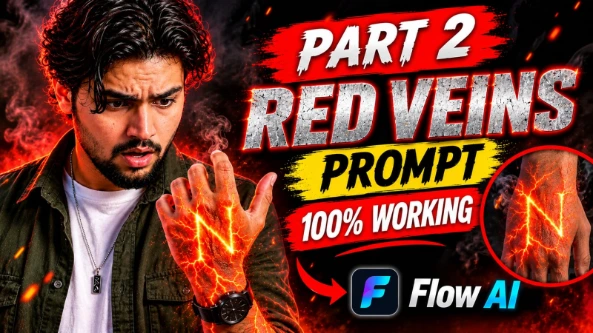
Red Energy Veins S Letter Hand AI Video Prompt ek creative cinematic VFX effect hai. Ismein human hand aur forearm ke neeche glowing red-orange energy veins appear hoti hain. Ye glowing lines lava cracks ki tarah spread hoti hain aur dheere-dheere hand ke back par capital letter S ka shape banati hain.
Is effect ka main focus realistic human skin aur fictional energy transformation ko combine karna hai. Hand ki natural anatomy, skin pores, fine lines aur fingers ki shape preserve rehni chahiye. Dark background, dramatic red lighting aur subtle smoke particles is VFX ko cinematic look dete hain.
Red Energy Veins S Letter Video Kaise Banaye
Step 1: Sabse pehle ek clear hand aur forearm reference image select karein. Image mein hand ka back clearly visible hona chahiye. Fingers natural position mein hon aur hand background se clearly separate ho.
Step 2: Flow AI ya kisi compatible AI video generator ko open karein. Agar image-to-video feature available hai, to apni reference hand image upload karein.
Step 3: Red Energy Veins AI Video Prompt copy karein. Main prompt mein red-orange glowing energy veins ko skin ke neeche spread hote hue describe karein.
Step 4: Prompt mein clearly mention karein ki energy lines hot lava cracks ki tarah branch hon aur dheere-dheere hand ke back par capital letter S banayein. Letter S correctly oriented aur clearly recognizable hona chahiye.
Step 5: Energy effect ko gradually appear karayein. Pehle thin glowing lines visible hon, phir unki brightness increase ho aur veins hand aur forearm par spread hon. Energy lines gently pulse aur throb karti hui dikhni chahiye.
Step 6: Background ko dark rakhein. Hand aur forearm par dramatic red light ho, lekin natural skin details hide nahi honi chahiye. Smoke particles subtle rakhein, taaki attention hand aur letter S par hi rahe.
Step 7: Negative prompt mein ye unwanted details include karein:
Cartoon ya anime appearance
Fake plastic skin
Blurry ya low-quality output
Extra fingers
Distorted hand anatomy
Incorrect ya reversed letter S
Unwanted text errors
Agar platform separate negative prompt field deta hai, to unwanted elements wahan add karein.
Step 8: Aspect ratio 9:16 select karein. Close-up camera composition rakhein, jisme hand aur forearm main subject hon. Slow-motion visual movement use karein.
Step 9: Video generate hone ke baad letter S ko carefully check karein. Agar letter broken, reversed ya unclear hai, to prompt simplify karke dobara generate karein.
Step 10: Fingers, wrist, skin texture, glowing veins aur smoke particles inspect karein. Final video ko available export settings ke according save karein.
Is prompt ko fictional superhero effects, creative VFX experiments aur Instagram Reels ke liye use kar sakte hain. 8K visual appearance desired style hai; actual resolution generator par depend karti hai.
Hindi Life Lesson Dialogue AI Video Prompt – Rooftop Cinematic Reel
Original URL: https://www.prompt07ai.com/hindi-life-lesson-dialogue-ai-video-prompt-rooftop-cinematic-reel
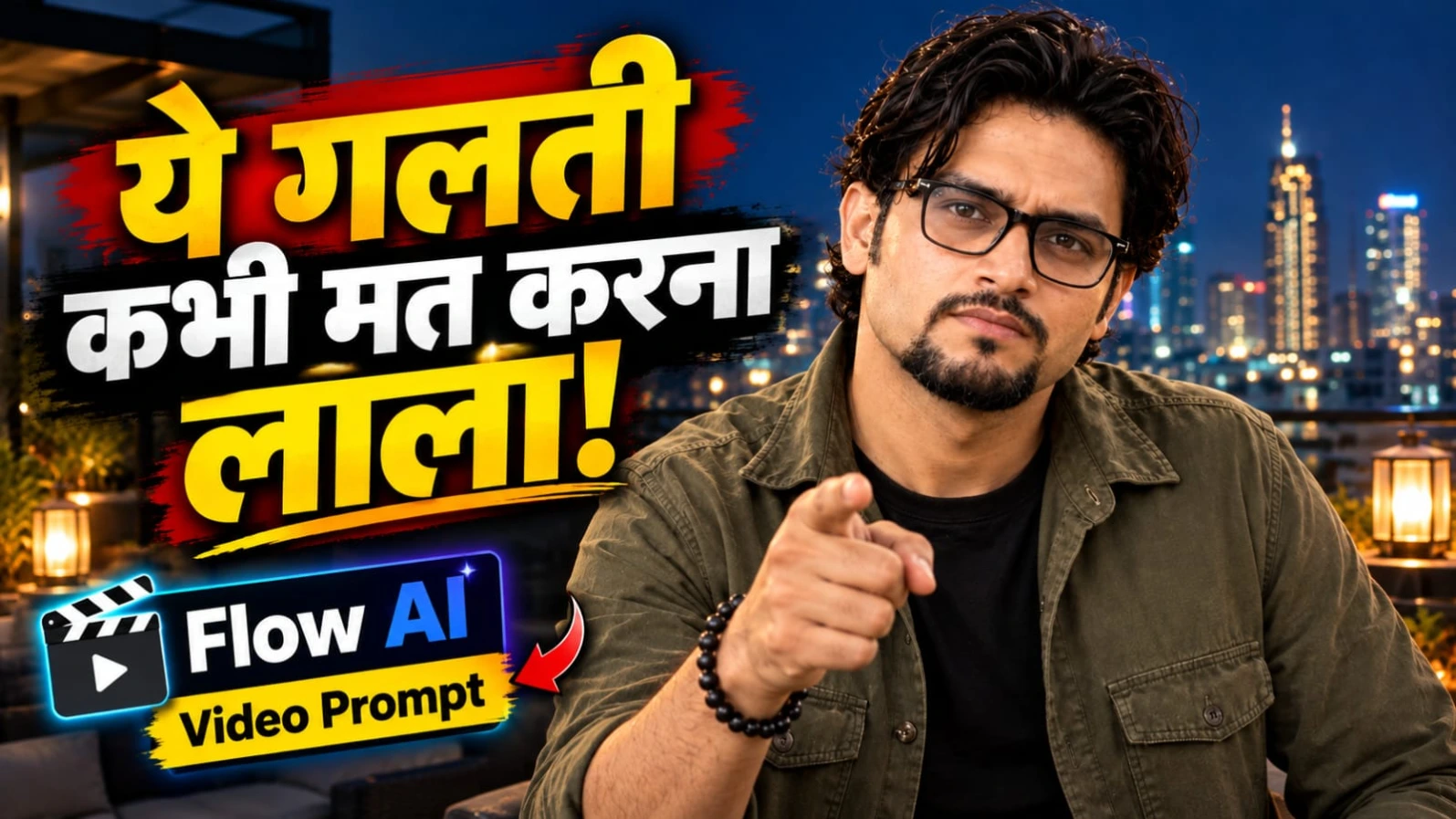
Hindi Life Lesson Dialogue AI Video Prompt ek meaningful rooftop cinematic reel concept hai. Ismein ek South Asian man modern rooftop terrace par khada hokar trust aur caution se related Hindi dialogue bolta hai. Character ke wavy dark hair, neatly groomed goatee aur spectacles hain. Outfit mein olive-green overshirt aur black T-shirt hai.
Background mein warm lantern lights aur glowing city skyline dikhayi deti hai. Video ka main focus natural Hindi voice, accurate lip-sync, controlled hand gestures aur final black-and-white freeze-frame effect hai. Total video duration 7 seconds aur format 9:16 vertical hai.
Hindi Life Lesson Rooftop Video Kaise Banaye
Step 1: Sabse pehle apni clear reference photo select karein. Agar aap same face maintain karna chahte hain, to reference photo se character sheet banayein. Hair, goatee aur spectacles ko same rakhein.
Step 2: Character ka outfit fix karein: olive-green overshirt ke andar black T-shirt. Face aur body appearance reference image ke according preserve karein.
Step 3: Flow AI ya kisi compatible AI video generator ko open karein. Supported reference-image feature available ho to character image upload karein.
Step 4: Rooftop environment ka prompt copy karein. Character ko modern rooftop terrace par night-time setting mein khada dikhayein. Background mein warm lantern lights aur glowing city skyline ho.
Step 5: Camera style real handheld smartphone footage jaisa rakhein. Slight natural camera shake ho, lekin excessive shaking aur sudden zoom avoid karein.
Step 6: Original Hindi dialogue ko Roman Hindi mein is tarah use karein:
"Bharosa sab par karo, lekin savdhani se lala. Kyunki kabhi-kabhi khud ke daant hi jeebh ko kaat lete hain."
Step 7: Dialogue ko do parts mein generate karein:
0–3 seconds: Character natural male Hindi voice mein pehli line bolta hai. "Savdhani se lala" ke words par dono hands ko outward gesture deta hai. Expression calm aur confident rahe.
3–7 seconds: Character hands ko paas laata hai, subtle pointing gesture karta hai aur doosri line bolta hai. Camera ki taraf direct eye contact aur halka smile maintain karta hai.
Step 8: Hindi pronunciation aur lip movement ko carefully synchronize karein. Voice conversational aur natural honi chahiye. Extra dialogue ya words add na karein.
Step 9: Video ke final beat par poora frame instantly freeze ho aur color high-contrast black and white mein change ho jaye. Ye gradual fade nahi hona chahiye.
Step 10: Final frame mein character ka expression aur rooftop composition same rakhein. Original concept mein text aur watermark nahi diya gaya hai, isliye generated scene mein extra captions ya logos add na karein.
Step 11: Final video mein face, spectacles, hands, dialogue pronunciation aur freeze-frame effect check karein.
Agar AI tool accurate Hindi lip-sync nahi kar pata, to pehle silent video generate karein aur apni recorded Hindi voice editing app mein synchronize karein. 24fps desired cinematic style hai; actual frame rate tool ki settings par depend karega.
Lion and Man Cinematic AI Video Tutorial – Create a VIP Hero Scene
Original URL: https://www.prompt07ai.com/lion-and-man-cinematic-ai-video-tutorial-create-a-vip-hero-scene
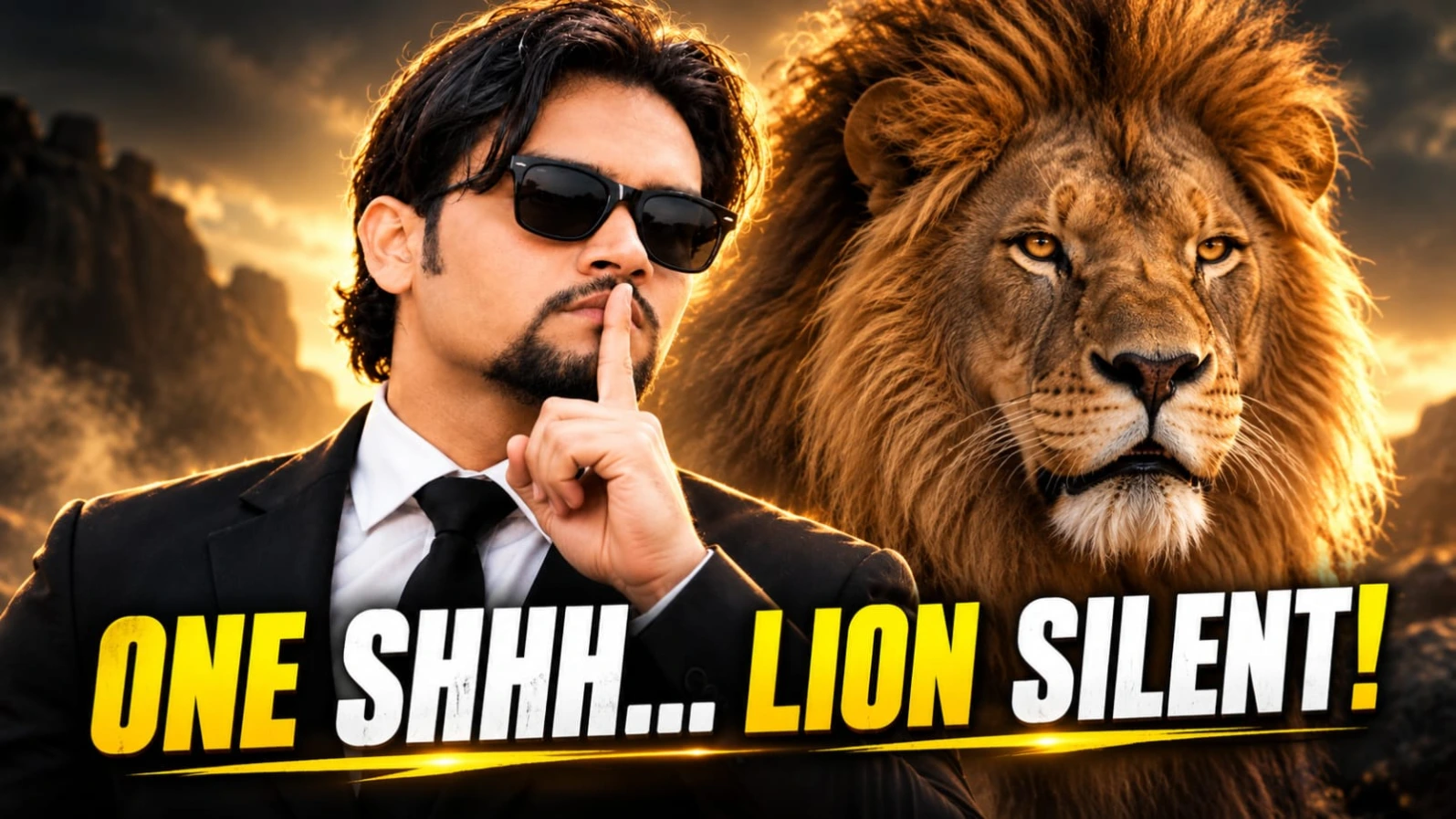
Lion and Man Cinematic AI Video Prompt ek powerful VIP hero-style scene create karne ka concept hai. Ismein ek well-dressed South Asian man aur ek massive golden-maned male lion face-to-face khade hote hain. Starting mein lion apna mouth open karke powerful roar karta hai, jabki man bilkul calm aur fearless rehta hai.
Scene aage badhne par man ek commanding gesture karta hai aur lion dheere-dheere calm ho jata hai. Last mein camera smoothly move karke frontal medium portrait dikhata hai, jisme man aur lion ek saath confident pose mein nazar aate hain.
Lion and Man Flow AI Video Kaise Banaye
Step 1: Sabse pehle apni clear face reference photo select karein. Agar character consistency chahiye, to front, side aur three-quarter views ke saath character sheet banayein.
Step 2: Character ka outfit same rakhein: tailored black suit, crisp white collared shirt, black tie aur black Wayfarer sunglasses. Hair medium-length wavy dark hona chahiye aur beard neat goatee style mein ho.
Step 3: Lion ke liye ek realistic male lion reference image select karein. Uski dense golden mane, natural fur texture, face proportions aur powerful body clearly visible hon.
Step 4: Flow AI open karein. Agar image-to-video feature available hai, to man aur lion ki suitable reference composition upload karein. Warna text-to-video option mein complete scene description use karein.
Step 5: Original video prompt copy karein. Background ko dramatic neutral studio-style backdrop rakhein. Soft cinematic lighting use karein, taaki black suit aur lion ki golden mane ke details clearly visible hon.
Step 6: Opening scene mein man aur lion ko close profile position mein face-to-face dikhayein. Lion apna mouth open karke powerful roar karta hai. Uske fangs natural aur realistic hone chahiye. Man calm expression ke saath lion ki taraf dekhta rahe.
Step 7: Subtle breeze man ke wavy hair ko move kare. Man ek commanding gesture karta hai, lekin uska body posture confident aur composed rahe.
Step 8: Agle moment mein lion dheere-dheere apna mouth close karta hai aur calm expression adopt karta hai. Transformation sudden nahi, balki natural aur gradual honi chahiye.
Step 9: Camera ko smoothly side profile se frontal medium portrait ki taraf move karein. Final composition mein man aur lion shoulder-to-shoulder khade nazar aayein. Lion forward ki taraf calm aur authoritative expression ke saath dekhe.
Step 10: Video ko 9:16 vertical format mein generate karein. Dono subjects ka face aur lion ka head frame mein clearly visible hona chahiye. Prompt mein 35mm lens look aur 24fps cinematic style diya gaya hai.
Step 11: Generated video mein lion ke mouth, teeth, paws, mane aur body anatomy carefully check karein. Man ke sunglasses, fingers, face aur suit bhi consistent hone chahiye.
Step 12: Agar camera movement ya lion ka expression distorted ho, to action ko simple karke dobara generate karein. Zarurat padne par opening roar aur final portrait ko separate clips mein generate karke editing app mein join karein.
Step 13: Final video ko trim karein aur transition smooth rakhein. Optional cinematic sound effects ya background music add kar sakte hain, lekin audio use karne ka permission hona chahiye.
Photorealistic 8K, 35mm lens aur 24fps prompt ke desired visual specifications hain. Actual output AI generator ki capability aur export settings par depend karega. Human aur lion dono ki appearance aur anatomy final export se pehle review karein.