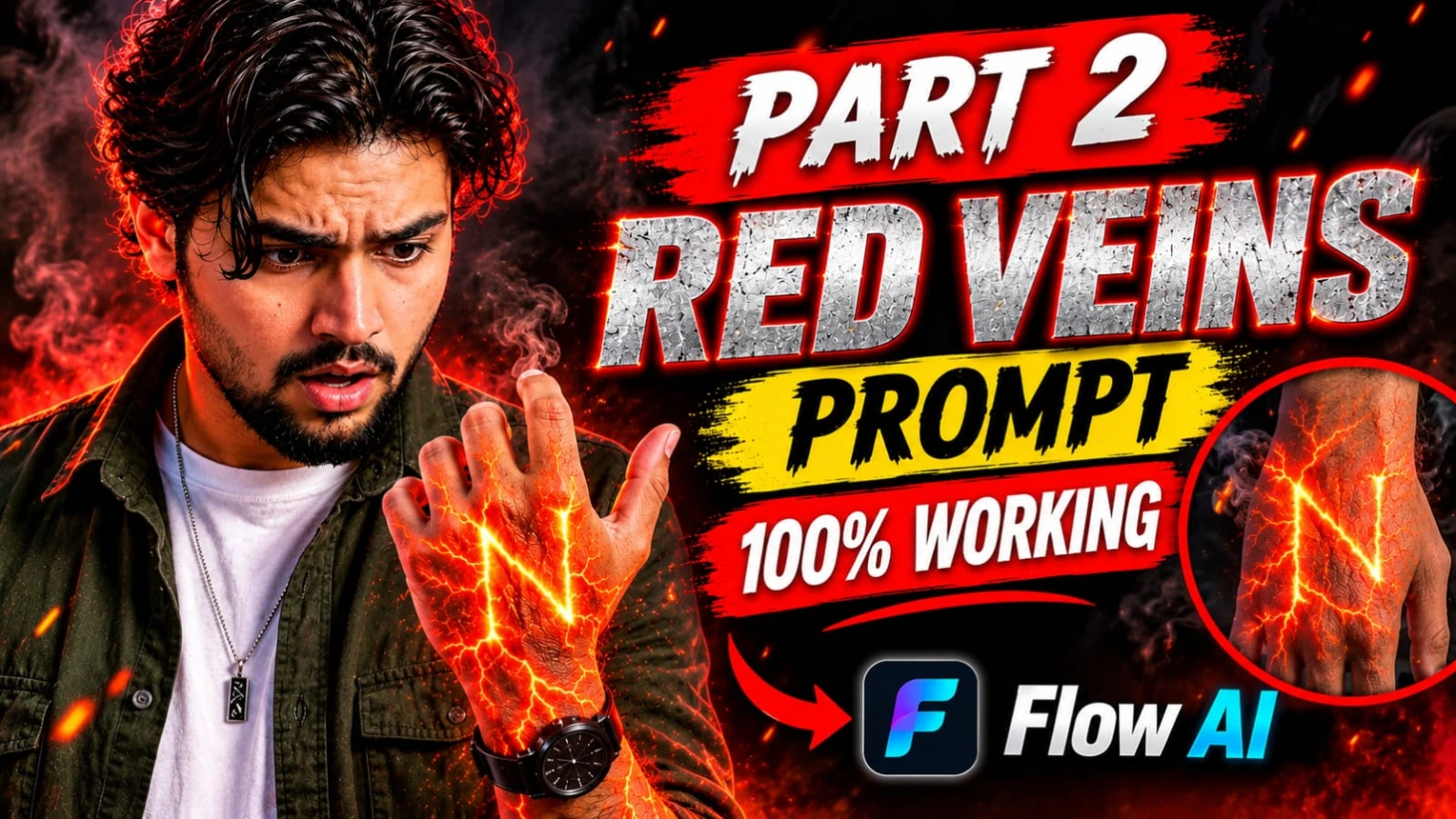
For the best visual result, keep the hand anatomy natural, the background dark, and the glowing letter easy to recognize. The prompt describes the intended visual appearance; the final result will depend on the AI video generator and its ability to reproduce detailed lettering and motion.
With a detailed prompt and a suitable reference image, you can experiment with a dramatic red-orange energy effect in Flow AI or another compatible AI video generator. The final result depends on the platform's generation capabilities, especially its ability to preserve hand anatomy and reproduce accurate lettering.
1. AI Energy Veins VFX Video Prompt | Glowing Red Orange Hand Effect
Original URL: https://www.prompt07ai.com/ai-energy-veins-vfx-video-prompt-glowing-red-orange-hand-effect
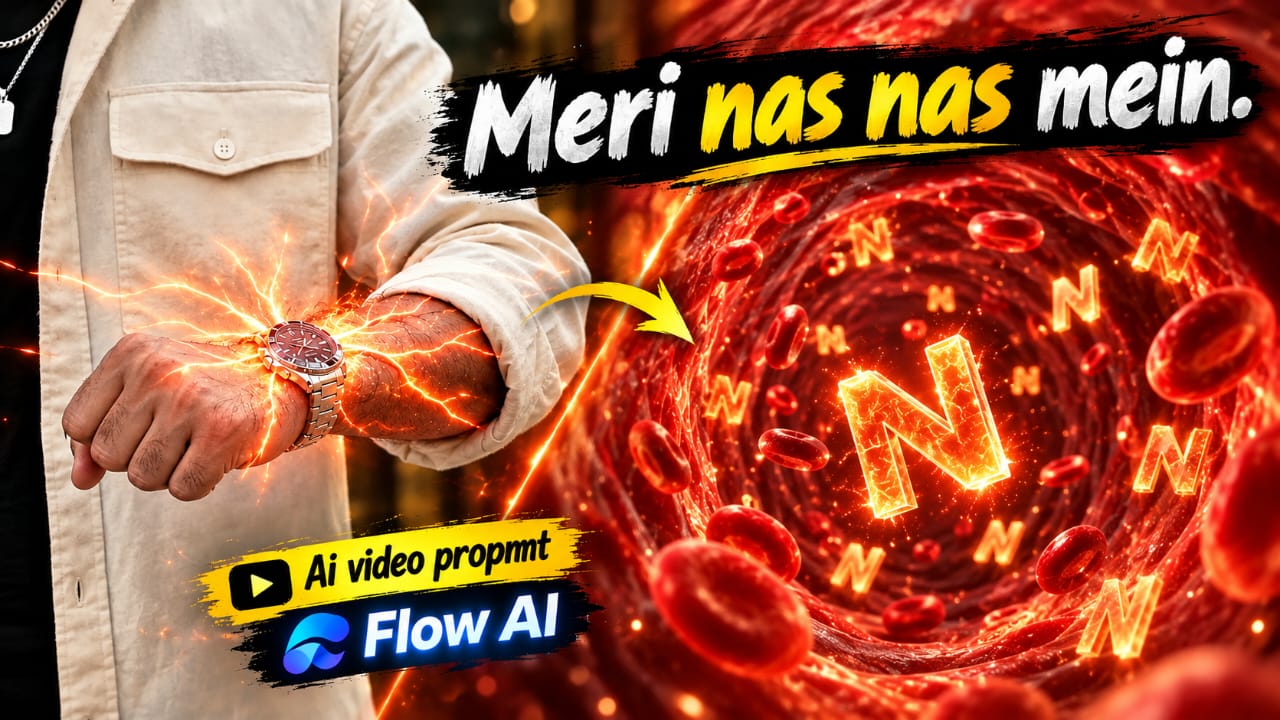
AI Energy Veins VFX ek unique cinematic video editing concept hai, jisme ek normal human hand ke andar glowing red-orange energy effect create hota hai. Video ki shuruaat ek closed fist aur wristwatch se hoti hai. Dheere-dheere watch ke neeche se red-orange glow nikalta hai aur forearm par tree branches jaisa glowing energy network spread hone lagta hai.
Is video ka sabse interesting part microscopic tunnel transition hai. Camera glowing branch ke andar enter karta hai, jahan red-orange tunnel, floating particles, 3D capital letter S aur red blood cells dikhai dete hain. Yeh poora concept 10-second vertical 9:16 cinematic VFX video ke liye design kiya gaya hai.
AI Energy Veins VFX Video Kaise Banaye
Step 1: Hand Photo Select Karein
Sabse pehle apne haath aur forearm ki ek clear photo select karein. Photo mein closed fist, wristwatch, sleeve, natural skin texture aur arm hair clearly visible hone chahiye.
Step 2: Flow AI Open Karein
Flow AI ya apna preferred image-to-video AI tool open karein. Apni original hand photo upload karein aur vertical 9:16 format select karein, agar option available ho.
Step 3: First Scene Generate Karein
0 se 2 seconds ke liye original hand, fist, wristwatch aur background ko same rakhein. Watch ke neeche ek halka red-orange glow appear hona chahiye.
Step 4: Energy Veins Effect Add Karein
2 se 4 seconds ke beech forearm par glowing red-orange branches spread karayein. Branches tree jaisi symmetrical hon, unmein bright energy core, tiny sparks aur sparkling particles hon. Skin natural aur intact rehni chahiye.
Step 5: Microscopic Tunnel Transition
4 se 7 seconds mein camera ko ek glowing branch ke andar smoothly push karein. Real forearm se transition hokar ek fully CGI microscopic tunnel create hona chahiye. Tunnel mein glowing walls aur camera ki taraf move karta hua 3D capital letter S dikhayein.
Step 6: Final CGI Scene
7 se 10 seconds mein tunnel ke andar multiple floating S letters aur red blood cells add karein. Camera smoothly aage move kare aur red-orange lighting consistent rakhein.
Step 7: Final Video Check Karein
Final video mein hand ki original appearance, wristwatch aur skin details check karein. Koi wound ya graphic injury effect nahi hona chahiye. Smooth transition aur 9:16 composition ke saath video export karein.
2. Hindi Attitude AI Video Prompt | Good Vibes Only Cinematic Dialogue
Original URL: https://www.prompt07ai.com/hindi-attitude-ai-video-prompt-good-vibes-only-cinematic-dialogue
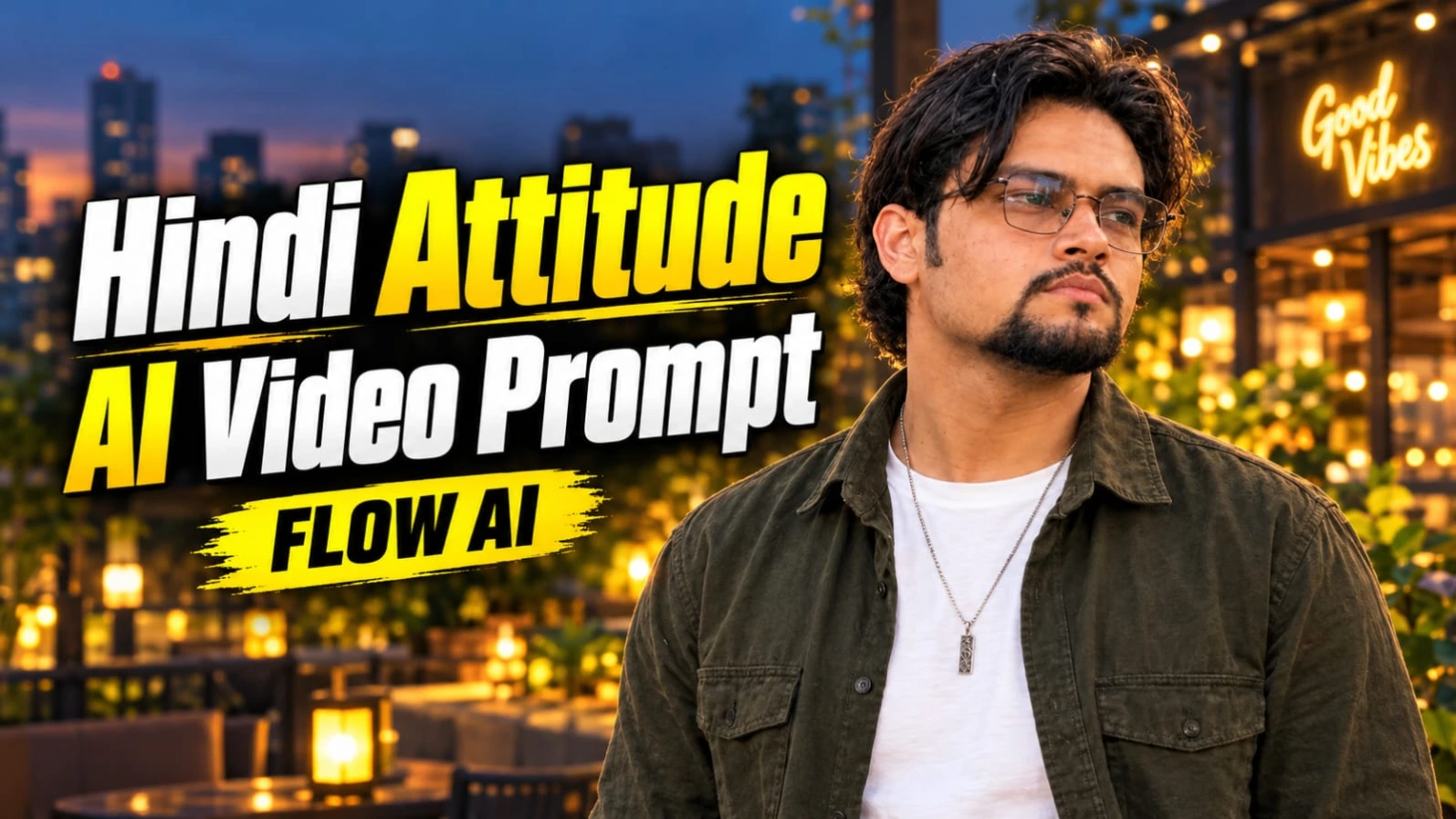
Hindi Attitude AI Video Prompt se aap ek stylish cinematic dialogue reel create kar sakte hain. Is concept mein ek South Asian young man modern city patio par camera ke saamne Hindi dialogue bolta hua nazar aata hai. Background mein warm lantern lights, decorative planter boxes aur Good Vibes Only naam ka glowing cafe sign dikhai deta hai.
Character ke wavy dark hair, neatly groomed goatee aur clear-lens rectangular wire spectacles hain. Usne olive-green overshirt ke andar white T-shirt pehni hui hai. Twilight atmosphere aur natural smartphone camera movement video ko realistic look dete hain.
Is video ka main attraction iska Hindi dialogue aur final black-and-white freeze-frame effect hai. Video ka planned duration 7 seconds hai.
Good Vibes Only AI Video Kaise Banaye
Step 1: Character Reference Photo Banayein
Sabse pehle ChatGPT mein apni reference photo upload karein. Character ke same face, hairstyle aur facial hair ke saath ek medium chest-up portrait banayein. Outfit mein olive-green overshirt, white T-shirt, dark cargo pants, silver pendant aur wrist accessories rakhein.
Step 2: Flow AI Open Karein
Flow AI open karein aur apni character reference image upload karein. Agar tool mein character guidance ka option available hai, to use enable karein.
Step 3: Background Create Karein
Prompt mein modern illuminated city patio at twilight describe karein. Background mein warm lantern lights, low stone planter boxes, modern cafe architecture aur glowing Good Vibes Only sign rakhein.
Step 4: Exact Hindi Dialogue Add Karein
Character ko natural Hindi male voice mein yeh dialogue bolna hai:
"Waqt ne to humein insaan ki pehchaan sikha di laala, warna hum to har chehre ko farishta samajh lete the."
Dialogue ke words change na karein. Natural pronunciation aur synchronized lip movement ki instruction dein.
Step 5: First 4 Seconds Generate Karein
0 se 4 seconds ke beech character apne right hand se forward open-handed gesture kare. Body relaxed aur confident rahe. Camera ki taraf natural eye contact maintain kare.
Step 6: Last 3 Seconds Create Karein
4 se 7 seconds mein character apne hands thode neeche kare, halka warm smile de aur camera ki taraf dialogue complete kare.
Step 7: Black-and-White Ending Add Karein
Video ke bilkul final beat par poora frame instantly freeze ho aur high-contrast black-and-white mein convert ho jaye. Gradual fade nahi hona chahiye.
Step 8: Export Karein
Video ko vertical 9:16 composition mein rakhein. Intended look 24fps smartphone footage, slight natural camera shake aur normal-speed movement ka hai. Final video mein extra captions ya watermark add na karein.
3. Dark Cinematic Attitude Dialogue AI Video Prompt | 9:16
Original URL: https://www.prompt07ai.com/dark-cinematic-attitude-dialogue-ai-video-prompt-9-16
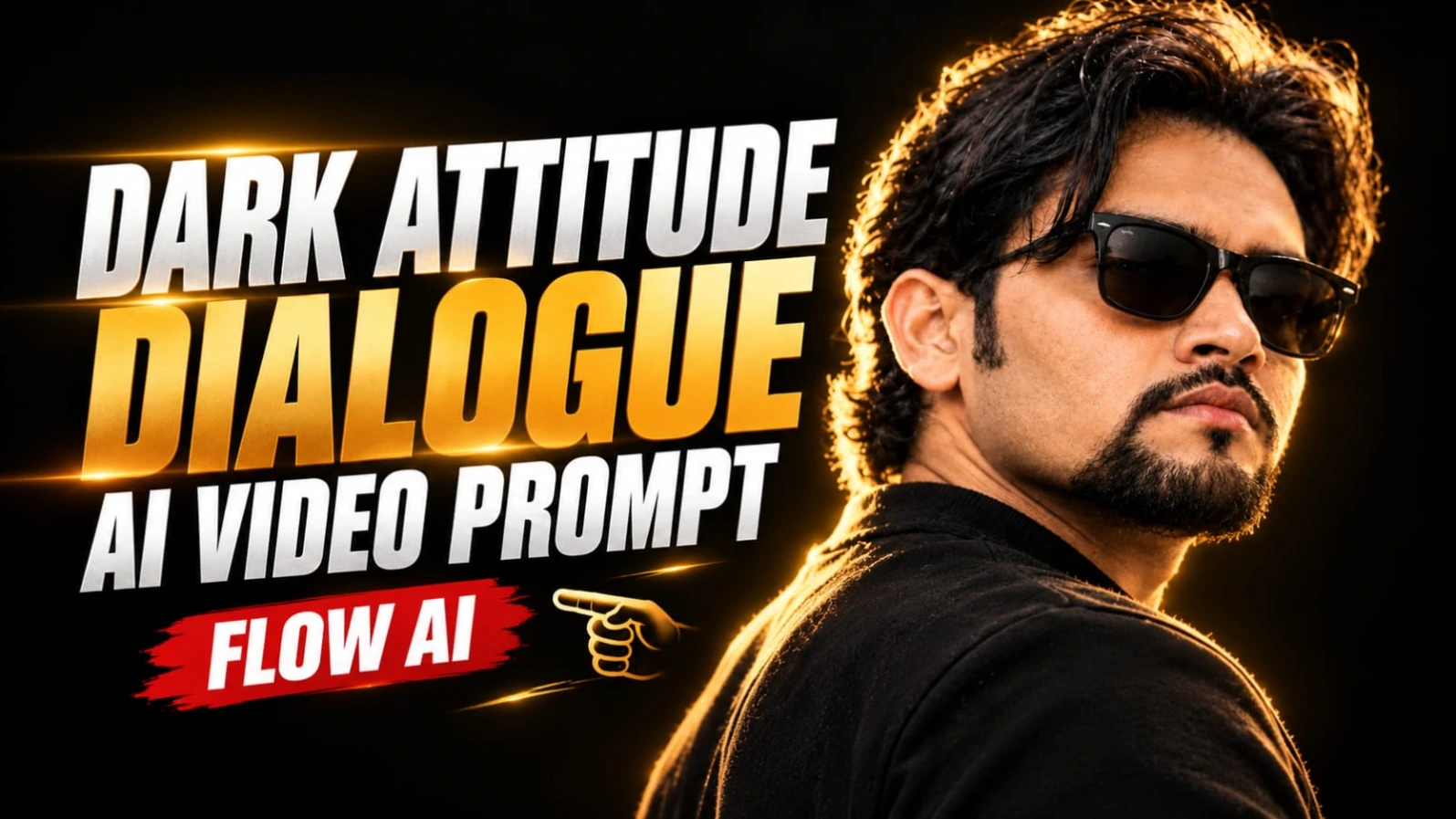
Dark Cinematic Attitude Dialogue AI Video ek powerful portrait-style video concept hai. Ismein ek South Asian man pitch-black studio background ke saamne khada hota hai. Uske voluminous wavy dark hair, neatly groomed goatee aur black Wayfarer sunglasses hote hain.
Video ka main focus character ka serious expression, golden rim lighting aur powerful Hindi dialogue hai. Background poori tarah black rakha gaya hai, jabki warm golden light character ke hair aur shoulder ko highlight karti hai. Is lighting style se ek dramatic cinematic appearance create hota hai.
Video 9:16 vertical format mein 7 seconds ka hai. Character ko unnecessary body movement nahi karna hai. Dialogue ke saath sirf natural lip movement, halka breathing effect aur subtle chin movement use hota hai.
Dark Cinematic Attitude Video Kaise Banaye
Step 1: Character Reference Prepare Karein
ChatGPT mein apni reference photo upload karein. Character ke wavy dark hair, groomed goatee aur black Wayfarer sunglasses ke saath ek cinematic portrait reference banayein.
Step 2: Flow AI Open Karein
Flow AI ya preferred AI video generator open karein. Reference image upload karein aur vertical 9:16 format select karein.
Step 3: Black Studio Background Set Karein
Prompt mein pitch-black studio background describe karein. Character ko over-the-shoulder three-quarter profile mein rakhein, jahan woh camera right ki taraf face kar raha ho.
Step 4: Golden Rim Lighting Add Karein
Character ke hair aur shoulder ke edges par warm golden rim light honi chahiye. Chiaroscuro lighting use karein, jisme deep shadows aur controlled highlights hon. Face ki natural details visible rehni chahiye.
Step 5: First Dialogue Generate Karein
0 se 3 seconds ke beech character yeh dialogue bole:
"Dushmani bhi hum bade saleeqe se nibhate hain..."
Expression serious aur controlled rahe. Lip aur throat movements natural aur subtle hone chahiye.
Step 6: Second Dialogue Add Karein
3 se 7 seconds ke beech character ek calculated breath le aur chin ko bahut halka sa upar kare. Iske baad second dialogue bole:
"Hum apne dushmano ke liye bhi... maut ki dua nahi karte."
Dono dialogues ke exact words same rakhein. Extra dialogue add na karein.
Step 7: Cinematic Quality Maintain Karein
Prompt mein ARRI Alexa Mini LF, 85mm anamorphic lens aur 24fps ko desired cinematic style references ke roop mein mention karein. Actual output selected AI tool ki capabilities par depend karega.
Step 8: Final Video Check Karein
Sunglasses, hairstyle, beard, face details aur golden lighting ko check karein. Bright daylight, cartoon look, plastic skin, flickering light aur unnecessary camera movement avoid karein.
Agar AI lip-sync sahi nahi banata, to pehle visual video generate karein aur Hindi voice recording ko editing app mein synchronize karein.
4. Hindi Life Lesson Dialogue AI Video Prompt | Rooftop Cinematic Reel
Original URL: https://www.prompt07ai.com/hindi-life-lesson-dialogue-ai-video-prompt-rooftop-cinematic-reel
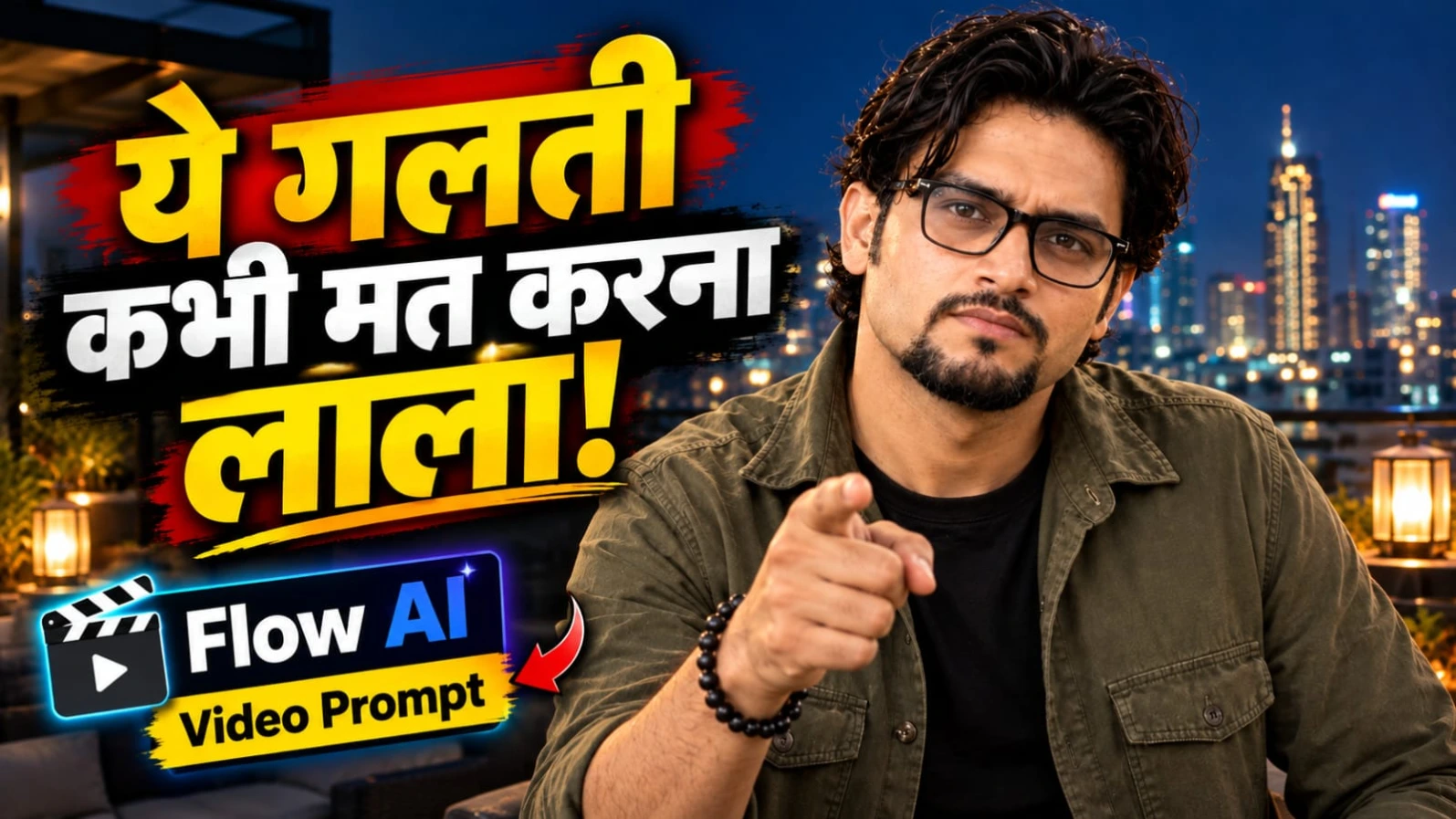
Hindi Life Lesson Dialogue AI Video ek beautiful rooftop cinematic reel concept hai. Ismein ek South Asian man modern rooftop terrace par raat ke samay camera ki taraf dekhkar ek meaningful Hindi dialogue bolta hai. Background mein warm lantern lights aur glowing city skyline hoti hai, jo scene ko stylish night-time atmosphere deti hain.
Character ke wavy dark hair, groomed goatee aur spectacles hain. Outfit mein olive-green overshirt aur black T-shirt rakhi gayi hai. Video ka main focus trust aur सावधानी se juda life lesson hai. Character natural hand gestures aur calm facial expressions ke saath dialogue deliver karta hai.
Is concept ka planned duration 7 seconds hai. Final moment mein poora video instantly freeze hokar high-contrast black-and-white frame mein badal jata hai.
Rooftop Cinematic Dialogue Video Kaise Banaye
Step 1: Character Sheet Banayein
ChatGPT mein apni reference photo upload karein. Same face, wavy dark hair, goatee aur rectangular spectacles ke saath character reference image prepare karein. Outfit olive-green overshirt aur black T-shirt rakhein.
Step 2: Flow AI Mein Image Upload Karein
Flow AI open karein aur apni reference image upload karein. Character guidance available ho to uska use karein, taaki appearance consistent rakhne mein madad mile.
Step 3: Rooftop Background Create Karein
Prompt mein modern rooftop terrace at night describe karein. Character ke aas-paas warm lantern lights aur background mein glowing city skyline honi chahiye. Extra people ya distracting objects add na karein.
Step 4: First Dialogue Add Karein
0 se 3 seconds ke beech character natural Hindi male voice mein bole:
"Bharosa sab par karo, lekin saavdhani se laala."
Is line ke dauran character dono hands se outward gesture kare. Expression calm aur confident rahe.
Step 5: Second Dialogue Generate Karein
3 se 7 seconds ke beech character apne hands ko paas laaye aur ek subtle pointing gesture kare. Iske saath dialogue complete kare:
"Kyunki kabhi-kabhi khud ke daant hi jeebh ko kaat lete hain."
Camera ki taraf direct eye contact aur halka smile maintain karein.
Step 6: Freeze-Frame Effect Add Karein
Video ke final beat par movement instantly stop ho aur poora frame high-contrast black-and-white ban jaye. Agar AI tool ye effect sahi generate nahi karta, to final frame editing app mein freeze karke monochrome effect apply karein.
Step 7: Final Editing Karein
Vertical 9:16 format aur natural handheld smartphone look maintain karein. Intended style 24fps hai, slight camera shake ke saath. Lip-sync, fingers aur face consistency check karke video export karein. Original concept mein extra captions aur watermark nahi hain.
5. Luxury Hotel Entry AI Video Prompt with Lamborghini | Flow AI
Original URL: https://www.prompt07ai.com/luxury-hotel-entry-ai-video-prompt-with-lamborghini-flow-ai
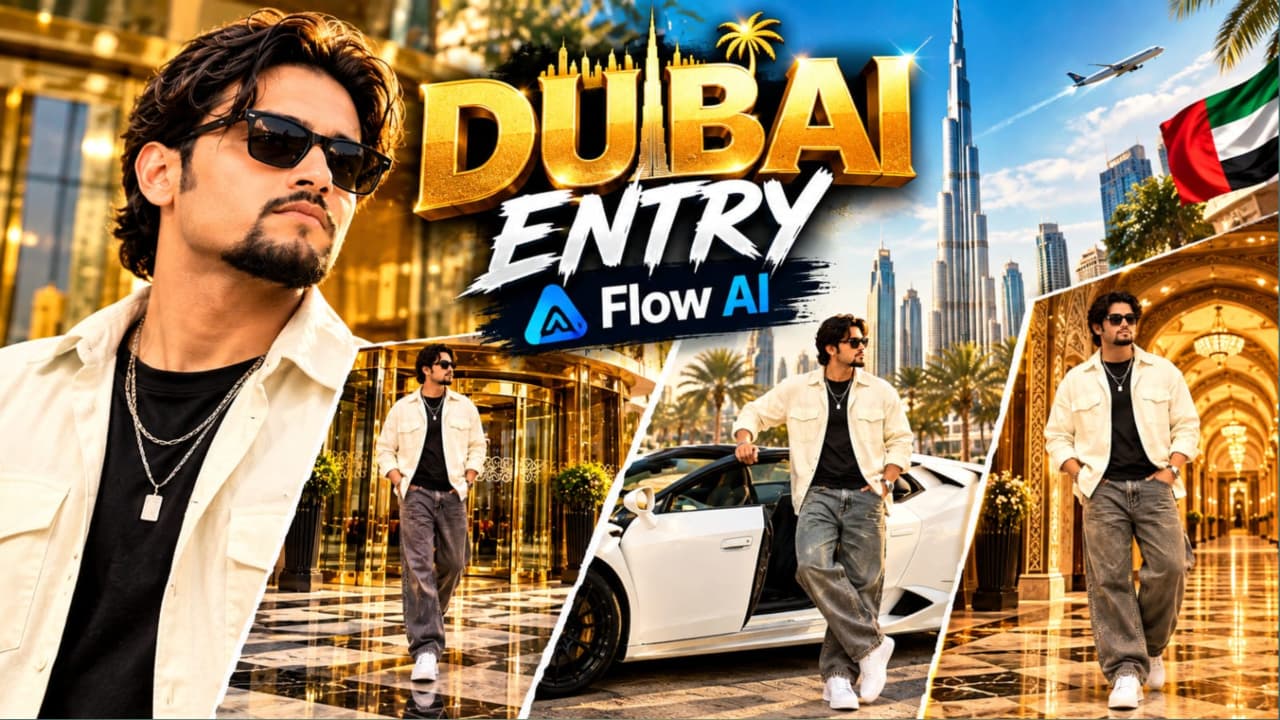
Luxury Hotel Entry AI Video ek premium lifestyle cinematic editing concept hai. Is video mein ek stylish young South Asian man teen different luxury locations mein dikhai deta hai. Pehle scene mein woh grand luxury hotel ke revolving glass door se bahar nikalta hai. Doosre scene mein white convertible Lamborghini ke driver side se exit karta hai. Aakhri scene mein woh Arabic-inspired royal palace hallway mein confident pose deta hai.
Character ke voluminous wavy dark brown hair, groomed goatee aur dark sunglasses hain. Outfit mein cream-white oversized open overshirt, fitted black T-shirt, wide-leg grey denim jeans, chunky white sneakers aur layered silver chain with rectangular pendant shamil hain.
Video ka main focus luxury architecture, premium car, stylish outfit aur smooth cinematic camera movement hai. Iska intended format vertical 9:16 hai.
Luxury Hotel Lamborghini Video Kaise Banaye
Step 1: Character Reference Image Banayein
ChatGPT mein apni reference photo upload karein. Character ka same face, hairstyle aur beard preserve karte hue ek reference image create karein. Outfit ki details bhi clearly mention karein.
Step 2: Flow AI Open Karein
Flow AI open karke character reference image upload karein. Teen scenes ke liye same character description aur outfit details repeat karein, taaki appearance mein unnecessary changes na hon.
Step 3: Luxury Hotel Entrance Scene
Pehle scene mein grand luxury hotel ka revolving glass door, gold-brass framing, reflective glass panels aur checkered marble pavement rakhein. Character hotel se bahar aate hue camera ki taraf confident walk kare. Wide eye-level tracking shot use karein.
Step 4: White Lamborghini Scene
Doosre scene mein sunlit outdoor parking plaza aur modern commercial buildings ka background rakhein. White convertible Lamborghini driver side se character ko bahar nikalte hue dikhayein. Character ek haath door frame par rakhe aur camera ki taraf turn kare.
Car ka shape, wheels, door aur convertible roof consistent rehna chahiye.
Step 5: Arabic Royal Palace Hallway
Teesre scene mein Arabic-inspired luxury hallway create karein. Background mein gold-patterned wallpaper, illuminated arched alcoves aur carved wooden ceiling beams hon. Character dono hands jeans pockets mein rakhkar camera ki taraf face kare. Sirf subtle body sway rakhein.
Step 6: Cinematic Camera Style
Prompt mein ARRI Alexa Mini LF, 35mm anamorphic lens aur 24fps ko desired cinematic look ke references ke roop mein mention karein. Smooth gimbal-style camera movement use karein. Actual camera simulation aur frame-rate output AI tool par depend karega.
Step 7: Final Video Editing
Teen scenes ko vertical 9:16 sequence mein arrange karein. Hotel entrance, Lamborghini aur palace hallway ke shots ko smooth transitions se connect karein.
Step 8: Final Quality Check
Character ka face, outfit, sunglasses, pendant aur car details check karein. Lamborghini ke door interaction, hands, legs, reflections aur shoes par khaas dhyan dein. Complex car movement mein problem aaye to simpler exit shot generate karein. Sabhi clips sahi hone ke baad final cinematic video export karein.