Use a clear reference photo, maintain the same character description, and review the generated lip movement and final visual effect before exporting. The result can be a stylish and memorable short-form video for social media.
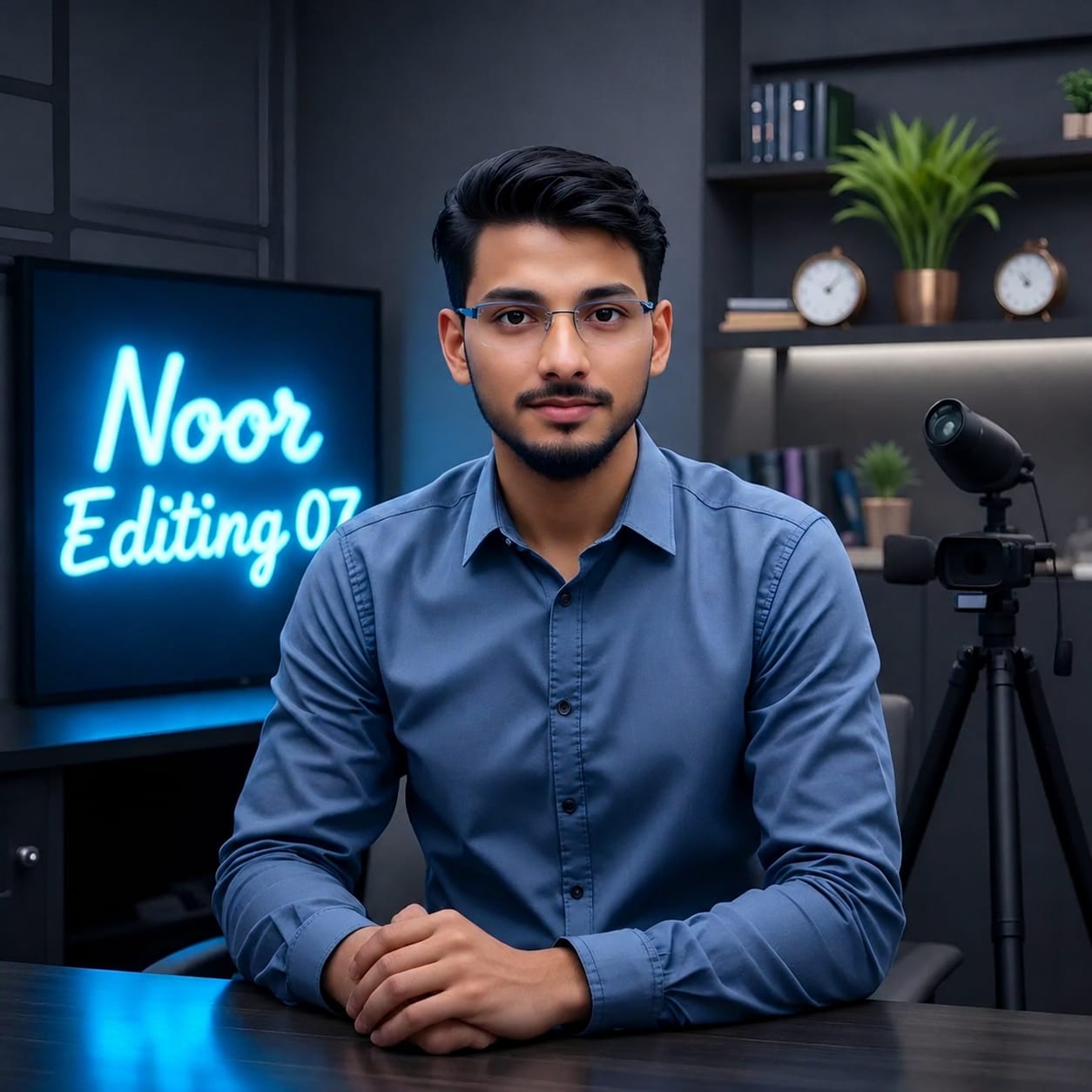
Pehle Character Sheet Photo Banaai ChatGPT Se

Your cinematic Hindi attitude dialogue video is ready for sharing.
1. Dark Cinematic Attitude Dialogue AI Video Prompt 9:16
Original URL: https://www.prompt07ai.com/dark-cinematic-attitude-dialogue-ai-video-prompt-9-16
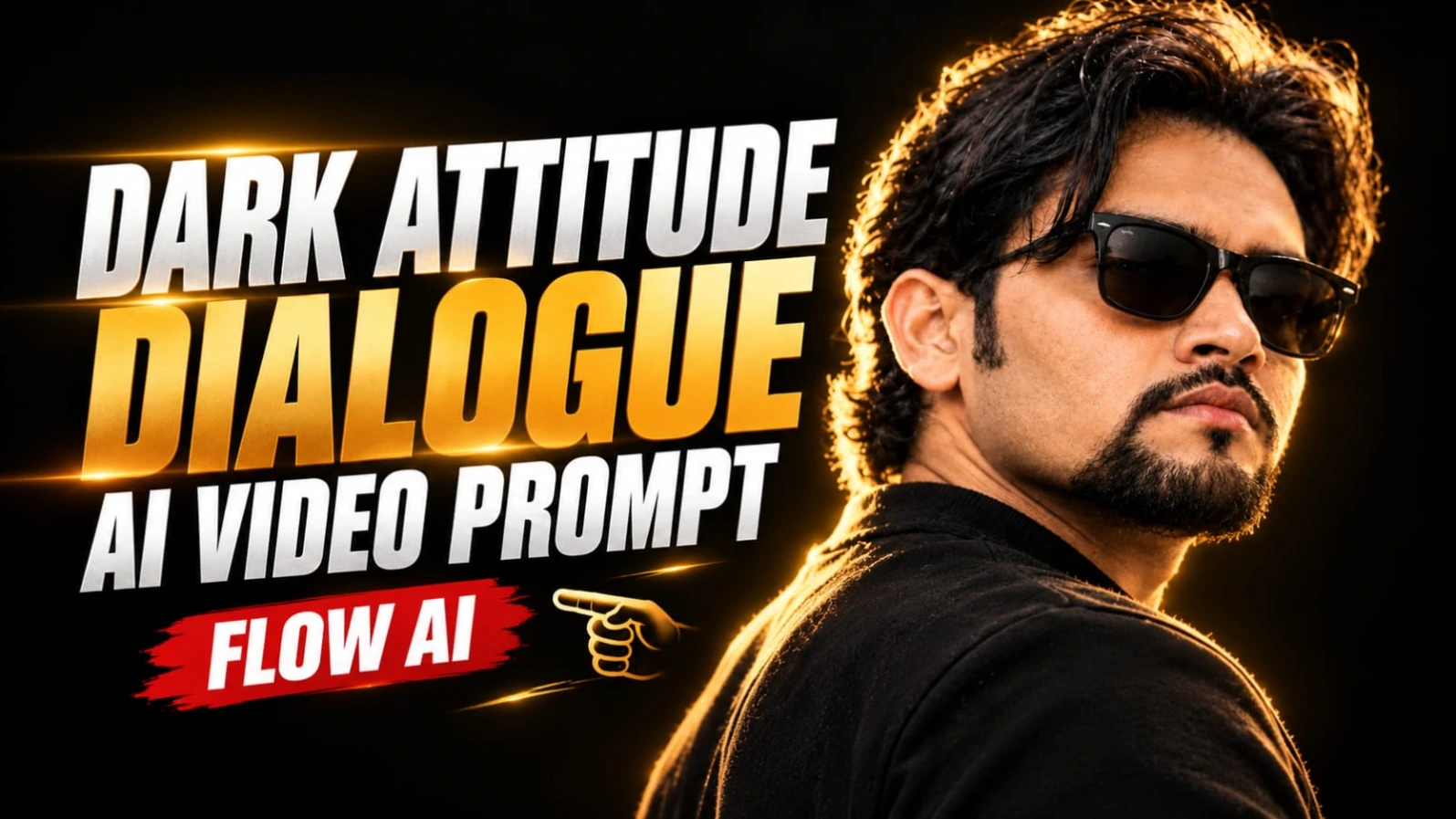
Dark Cinematic Attitude Dialogue AI Video Prompt ki madad se aap ek powerful aur realistic attitude dialogue video create kar sakte hain. Is concept mein ek handsome South Asian man ko pitch-black studio background ke saamne khade hue dikhaya gaya hai. Character ke wavy dark hair, neatly groomed goatee beard aur black Wayfarer sunglasses hain. Warm golden rim lighting uske hair aur shoulder ko highlight karti hai, jisse video ko ek premium cinematic look milta hai.
Is video ka main attraction iska over-the-shoulder three-quarter profile aur powerful Hindi dialogue hai. Character camera ki taraf poori tarah face nahi karta, balki halka side angle banakar camera right ki taraf dekhta hai. Isse portrait mein mystery aur attitude ka feel aata hai.
Video ka total duration 7 seconds hai. Pehle 3 seconds mein character first dialogue bolta hai aur agle 4 seconds mein pause lekar second dialogue deliver karta hai. Ismein unnecessary hand gestures nahi hain. Character ki body language controlled aur expressions serious rehte hain.
Dark Cinematic Attitude Video Kaise Banaye
Step 1: Character Reference Photo Banayein
Sabse pehle ChatGPT ya kisi AI image generator ki madad se apni character reference photo banayein. Character ke medium wavy dark hair, neat goatee beard aur black Wayfarer sunglasses hone chahiye. Dark matte crew-neck shirt rakhein. Face aur hairstyle clearly visible hone chahiye.
Step 2: Flow AI Open Karein
Ab Flow AI open karein aur image-to-video ya text-to-video option select karein. Agar reference image upload karne ka option available hai, to apni character photo upload karein. Isse character ki appearance ko consistent rakhne mein madad milegi.
Step 3: Background Aur Lighting Set Karein
Background bilkul pitch-black studio rakhein. Koi outdoor location, furniture ya extra object add na karein. Character ke hair aur shoulder ke edges par warm golden rim light honi chahiye. Face par subtle directional fill light rakhein, taaki natural skin texture aur beard details visible rahein.
Step 4: Camera Angle Select Karein
Camera composition over-the-shoulder three-quarter profile honi chahiye. Character ka torso camera se halka door ho aur head camera right ki taraf turned rahe. Camera stable rakhein aur unnecessary zoom ya shake avoid karein.
Step 5: First Dialogue Add Karein
0 se 3 seconds ke beech character serious expression ke saath first dialogue bole:
"Dushmani bhi hum bade saleeqe se nibhate hain..."
Lip movement aur throat movement natural aur controlled hone chahiye. Character ko unnecessary expressions ya hand gestures nahi karne hain.
Step 6: Second Dialogue Generate Karein
3 se 7 seconds ke beech character ek calculated breath leta hai aur apni chin ko bahut halka sa upward tilt karta hai. Iske baad second dialogue deliver karta hai:
"Hum apne dushmano ke liye bhi... maut ki dua nahi karte."
Dono dialogues ke beech natural pause rakhein. Character ka expression cold aur confident hona chahiye.
Step 7: Negative Prompt Use Karein
Bright daylight, outdoor background, formal business suit, white shirt, necktie, female subject, clean-shaven face, light brown hair, curly afro, distorted sunglasses, plastic skin, cartoon style aur flickering lights ko avoid karne ke liye negative prompt add karein.
Step 8: Final Video Editing Karein
Video ko vertical 9:16 format mein export karein. Natural skin texture, stable lighting aur realistic hair details check karein. Agar AI lip-sync sahi generate nahi karta, to visual clip alag generate karke recorded Hindi voice ko editor mein synchronize karein. ARRI Alexa Mini LF, 85mm anamorphic aur 24fps cinematic style references hain; actual output tool ki capabilities par depend karega.
2. Hindi Life Lesson Dialogue AI Video Prompt | Rooftop Cinematic Reel
Original URL: https://www.prompt07ai.com/hindi-life-lesson-dialogue-ai-video-prompt-rooftop-cinematic-reel
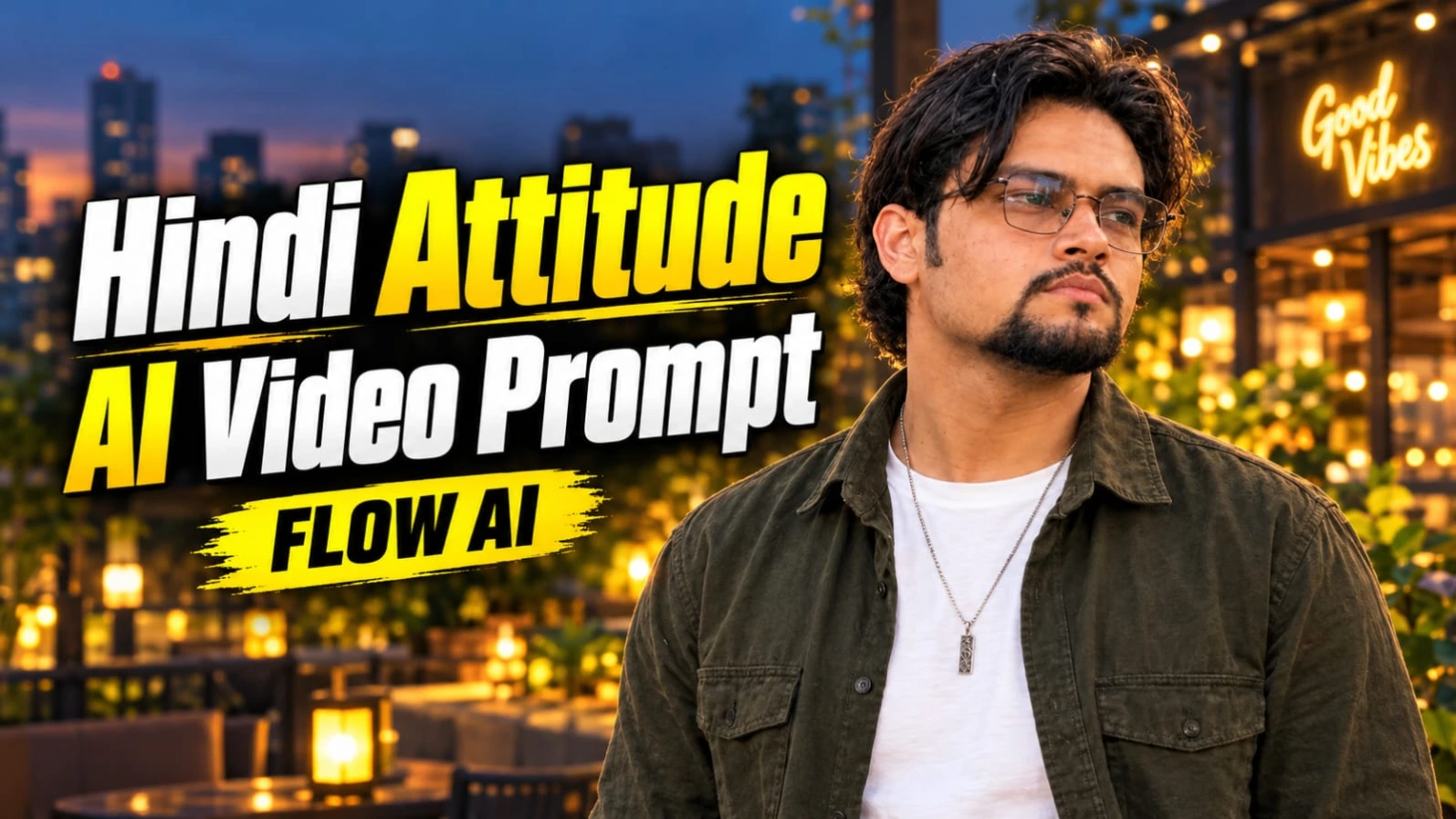
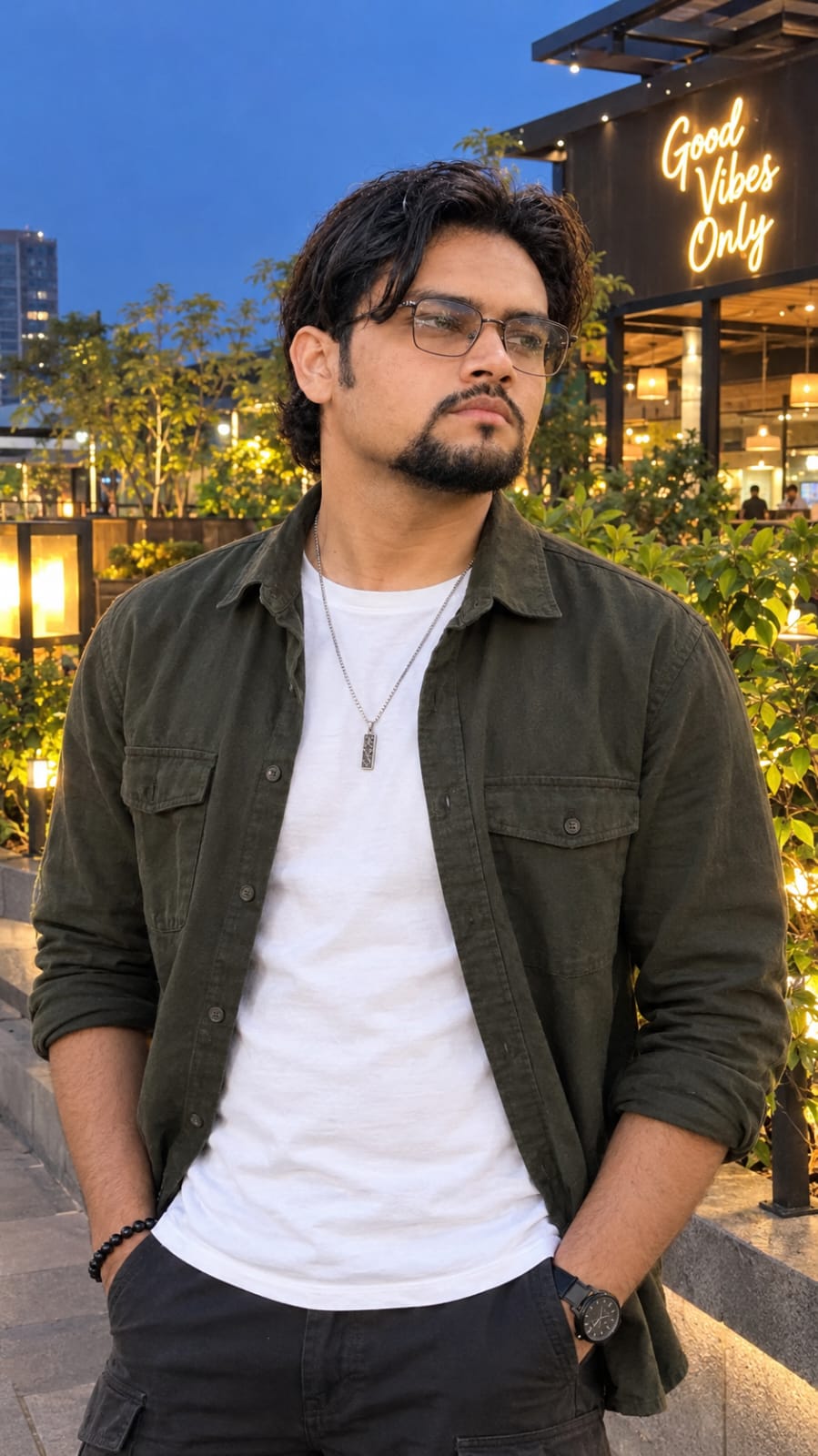
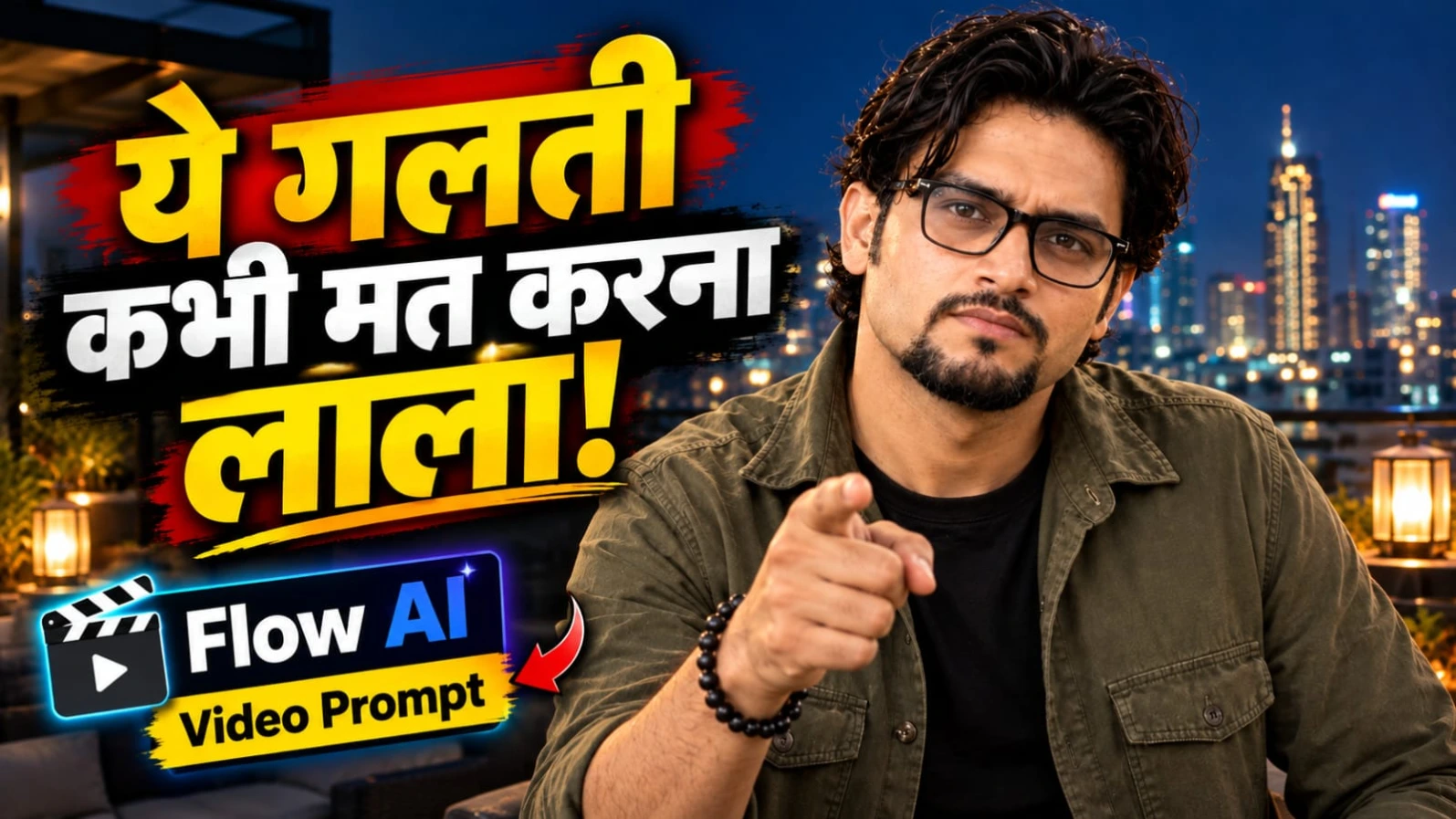
Hindi Life Lesson Dialogue AI Video Prompt se aap ek realistic rooftop cinematic reel bana sakte hain. Is concept mein ek South Asian man modern rooftop terrace par raat ke samay khada hokar ek meaningful Hindi dialogue deliver karta hai. Background mein warm lantern lights aur glowing city skyline dikhai deti hai. Character ke wavy dark hair, neatly groomed goatee aur clear-lens spectacles hain.
Character olive-green overshirt ke andar black T-shirt pehenta hai. Video ka overall look real handheld smartphone footage jaisa rakha gaya hai, jisme halki natural camera shake hoti hai. Is concept ka main focus dialogue, natural facial expressions aur hand gestures hain.
Video ka duration 7 seconds hai aur ismein do dialogue sections hain. First dialogue ke samay character dono haathon se outward gesture karta hai. Second dialogue ke waqt woh hands ko paas laakar subtle pointing gesture karta hai. Last moment mein video instantly freeze hokar high-contrast black and white ban jaati hai.
Rooftop Hindi Dialogue Video Kaise Banaye
Step 1: Character Reference Photo Prepare Karein
Sabse pehle ChatGPT ki madad se apni character reference photo banayein. Character ke wavy dark hair, groomed goatee aur clear-lens rectangular spectacles hone chahiye. Outfit mein olive-green military-style overshirt aur black crew-neck T-shirt rakhein.
Step 2: Flow AI Open Karein
Flow AI open karke text-to-video ya image-to-video option select karein. Agar reference image feature available hai, to apni character photo upload karein. Har scene mein same character description use karein.
Step 3: Rooftop Background Create Karein
Character ko modern rooftop terrace par raat ke samay khada dikhayein. Background mein warm lantern lights aur distant glowing city skyline rakhein. Rooftop uncluttered ho aur koi extra person ya distracting object na ho.
Step 4: Camera Movement Set Karein
Camera ko handheld smartphone footage jaisa look dein. Frame mein slight natural shake honi chahiye, lekin excessive shaking nahi honi chahiye. Character ka face aur upper body clearly visible rahe.
Step 5: First Dialogue Add Karein
0:00 se 0:03 seconds ke beech character natural Hindi male voice mein bole:
"भरोसा सब पर करो, लेकिन सावधानी से लाला।"
Is dialogue ke dauran character dono haathon ko outward gesture mein move kare. "सावधानी से लाला" bolte samay hand gesture par halka emphasis hona chahiye.
Step 6: Second Dialogue Generate Karein
0:03 se 0:07 seconds ke beech character apne hands ko paas laata hai aur ek subtle pointing gesture karta hai. Iske baad woh bole:
"क्योंकि कभी-कभी खुद के दांत ही जीभ को काट लेते हैं।"
Character camera ki taraf direct eye contact rakhe aur expression mein halki natural smile ho.
Step 7: Final Freeze Frame Add Karein
Dialogue complete hote hi poora frame instantly freeze ho jana chahiye. Usi moment colour video high-contrast black and white mein convert ho jaye. Gradual fade transition use na karein.
Step 8: Lip-Sync Aur Final Quality Check Karein
Dono dialogues ki pronunciation aur mouth movements check karein. Agar Flow AI natural Hindi lip-sync generate nahi karta, to video separately generate karke voice recording ko editing software mein synchronize karein. Final concept mein captions, logo ya watermark add na karein, kyunki original prompt mein no text aur no watermark specify kiya gaya hai. Vertical 9:16 aur 24fps style maintain karein.
3. Cinematic Attitude Dialogue Video AI Prompt in 9:16 | Flow AI Tutorial
Original URL: https://www.prompt07ai.com/cinematic-attitude-dialogue-video-ai-prompt-in-9-16-flow-ai-tutorial
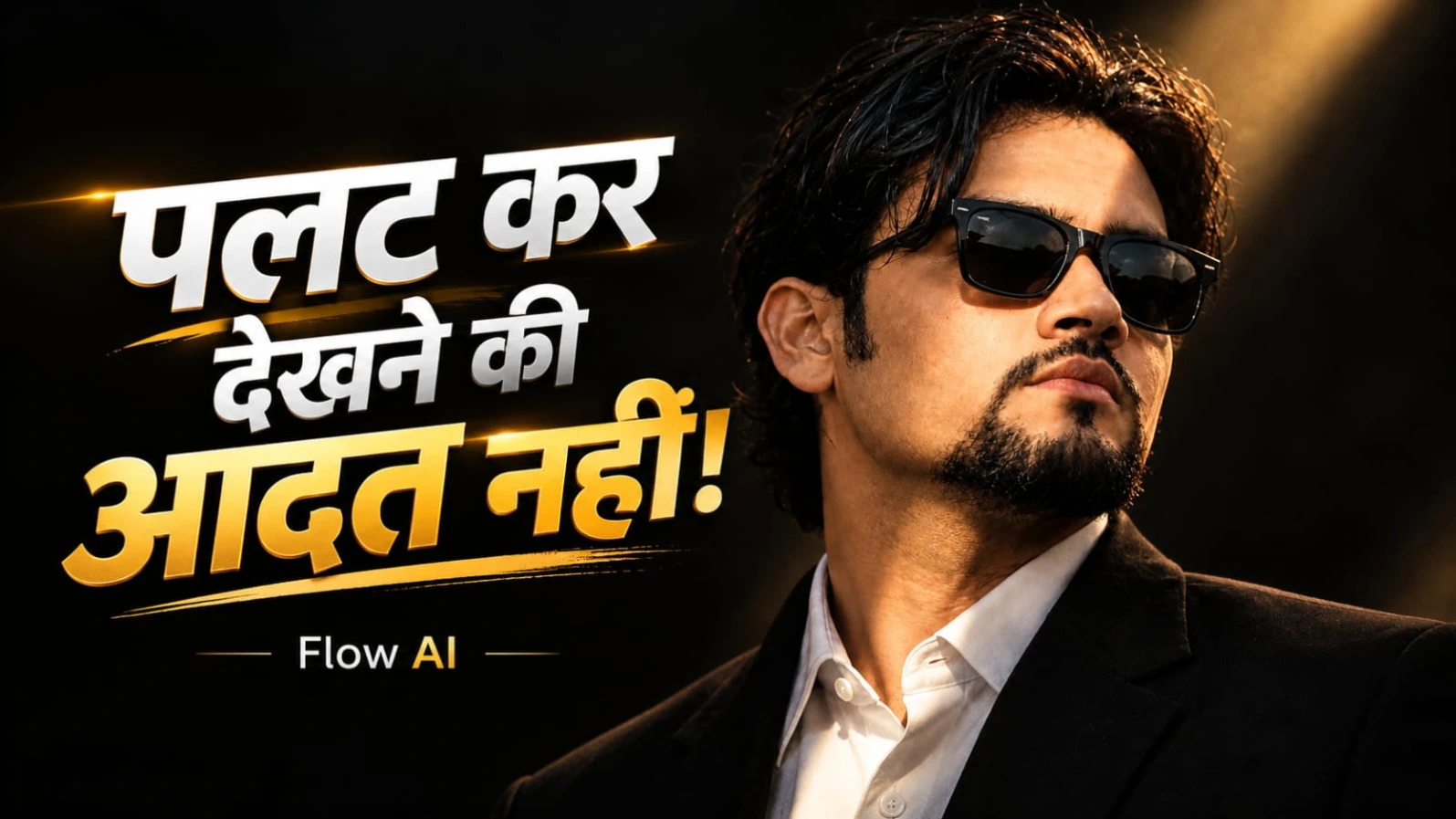
Cinematic Attitude Dialogue Video AI Prompt ki madad se aap ek dramatic aur stylish portrait video create kar sakte hain. Is concept mein ek handsome South Asian man black tailored suit, white collared shirt aur black Wayfarer sunglasses pehenta hai. Uske wavy black hair aur neatly groomed goatee beard hain.
Video ka background completely black hai aur character ke face par ek single diagonal beam of warm golden sunlight padti hai. Is lighting se face par deep shadows aur golden highlights create hote hain. Is tarah ka cinematic setup attitude dialogue reels ke liye ek powerful visual look deta hai.
Video ka duration 10 seconds hai aur ismein four-part timeline follow ki jaati hai. Starting mein extreme close-up hota hai, jahan character apni aankhein kholkar camera ki taraf dekhta hai. Uske baad woh do Hindi dialogue deliver karta hai. Last two seconds mein metallic bass-drop sound effect ke saath character ke face par subtle smirk aati hai.
Cinematic Attitude Dialogue Video Kaise Banaye
Step 1: Character Reference Photo Banayein
Sabse pehle ChatGPT ya AI image generator se apni character reference photo create karein. Character ke wavy black hair, groomed goatee aur black Wayfarer sunglasses hone chahiye. Outfit mein tailored black suit aur white collared shirt rakhein.
Step 2: Flow AI Open Karein
Ab Flow AI open karein aur text-to-video ya image-to-video option select karein. Apni reference image upload karein, agar tool is feature ko support karta hai. Character ke face, beard, hairstyle aur sunglasses ko consistent rakhne ki instruction dein.
Step 3: Black Background Create Karein
Background completely black hona chahiye. Character ke face par ek single diagonal warm golden sunlight beam rakhein. Lighting mein strong highlights aur deep shadows hone chahiye. Outdoor location ya extra objects add na karein.
Step 4: First Close-Up Scene Banayein
0:00 se 0:02 seconds tak macro-style close-up rakhein. Character apni aankhein calmly open kare aur directly camera lens ki taraf dekhe. Face par natural skin pores aur realistic details visible honi chahiye.
Step 5: First Dialogue Add Karein
0:02 se 0:05 seconds ke beech character controlled expression ke saath bole:
"Palat kar dekhne ki aadat nahi hai hamari..."
Dialogue ke samay natural lip movement aur steady eye contact maintain karein. Character ko unnecessary head movement nahi karna hai.
Step 6: Second Dialogue Generate Karein
0:05 se 0:08 seconds ke beech character apna head halka sa tilt kare aur second line bole:
"Alvida kehne wale... aaj bhi intezaar mein hain."
Ellipsis ke baad natural pause rakhein. Character ka expression cold aur composed rehna chahiye.
Step 7: Final Bass-Drop Effect Add Karein
0:08 se 0:10 seconds ke beech metallic gunshot-style bass-drop audio effect add karein. Yeh sirf sound effect hai; screen par kisi weapon ko dikhane ki zarurat nahi hai. Isi waqt character ke face par ek faint bittersweet smirk gradually appear honi chahiye.
Step 8: Final Video Edit Karein
Video ko vertical 9:16 format mein export karein. Natural skin texture, sunglasses, beard aur lighting consistency check karein. Agar lip-sync sahi nahi aata, to voice ko alag record karke editing software mein synchronize karein. ARRI Alexa Mini LF, 85mm portrait lens aur 24fps desired cinematic style references hain, actual camera specifications ki guarantee nahi.
4. Luxury Hotel Entry AI Video Prompt with Lamborghini | Flow AI
Original URL: https://www.prompt07ai.com/luxury-hotel-entry-ai-video-prompt-with-lamborghini-flow-ai
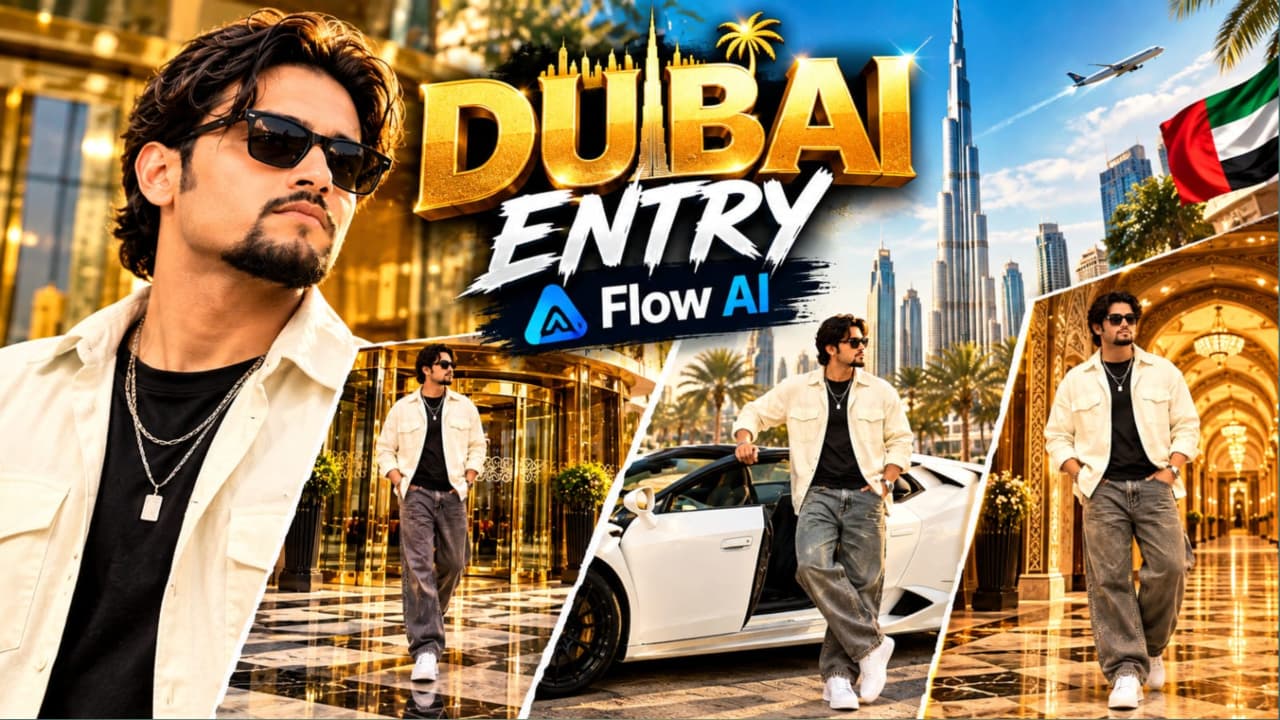
Luxury Hotel Entry AI Video Prompt ki madad se aap ek premium VIP lifestyle cinematic video create kar sakte hain. Is concept mein ek stylish young South Asian man ko teen different luxury locations mein dikhaya gaya hai. Pehle scene mein woh ek grand luxury hotel ke revolving glass door se bahar aata hai. Second scene mein white convertible Lamborghini ke driver side se exit karta hai. Final scene mein woh Arabic-inspired royal palace hallway mein confident pose deta hai.
Character ke medium wavy dark brown hair, groomed goatee aur dark Wayfarer-style sunglasses hain. Outfit mein open cream-white oversized overshirt, fitted black T-shirt, baggy grey denim jeans, chunky white sneakers aur layered silver chain with rectangular pendant shamil hain.
Is video ka format vertical 9:16 hai. Teenon scenes mein camera composition alag rakhi gayi hai, lekin character ka face, outfit aur accessories consistent rehne chahiye.
Luxury Hotel Lamborghini Video Kaise Banaye
Step 1: Character Reference Sheet Banayein
Sabse pehle ChatGPT se apni character reference photo banayein. Face, hairstyle, beard aur sunglasses clearly visible hone chahiye. Outfit mein cream-white oversized open overshirt, black fitted T-shirt, wide-leg grey denim, white sneakers aur layered silver chain rakhein.
Step 2: Flow AI Open Karein
Flow AI open karke image-to-video ya text-to-video option select karein. Reference photo upload karein, agar available ho. Teenon scenes mein same character description repeat karein, taaki outfit aur appearance mein changes kam hon.
Step 3: Luxury Hotel Entrance Scene Banayein
First scene mein ek ultra-luxury hotel ka grand revolving glass door dikhayein. Door par polished gold-brass framing aur reflective glass panels hon. Ground par black-and-beige checkered marble pavement ho. Character revolving door se bahar nikalta hai aur confident steps ke saath camera ki taraf walk karta hai. Camera wide eye-level tracking shot mein ho.
Step 4: Lamborghini Scene Generate Karein
Second scene mein white convertible Lamborghini ko modern commercial buildings ke beech sunlit parking plaza mein park dikhayein. Background mein Arabic signage ho. Character driver side se car ke bahar nikalta hai, ek haath door frame par rakhta hai aur camera ki taraf cool glance deta hai.
Step 5: Car Movement Check Karein
Is scene mein car ka body shape, wheels, convertible roof aur door design consistent hone chahiye. Character ka step natural hona chahiye aur haath door frame ke saath correctly contact kare. Agar AI complex movement mein problem kare, to simpler exit movement generate karein.
Step 6: Arabic Royal Palace Hallway Scene Banayein
Third scene mein character ko ek luxury Arabic-inspired palace hallway ke centre mein khada dikhayein. Background mein gold-patterned wallpaper, illuminated arched alcoves aur carved wooden ceiling beams hon. Character dono hands jeans pockets mein rakhe aur halka natural body sway kare.
Step 7: Camera Aur Lighting Set Karein
Video mein vertical 9:16 composition, smooth gimbal-style camera movement aur cinematic live-action look rakhein. Hotel aur Lamborghini scenes mein bright natural daylight use karein. Palace hallway mein warm architectural lighting aur soft shadows maintain karein.
Step 8: Final Editing Karein
Teenon clips ko correct sequence mein arrange karein. Character ke face, sunglasses, chain, outfit aur shoes ko check karein. Car reflections aur door movement bhi inspect karein. Final export se pehle unwanted cropping remove karein. ARRI Alexa Mini LF, 35mm anamorphic look aur 24fps cinematic style references hain; actual output selected AI tool par depend karega.
5. Gangster Attitude AI Video Prompt | Cinematic Hindi Dialogue Tutorial
Original URL: https://www.prompt07ai.com/gangster-attitude-ai-video-prompt-cinematic-hindi-dialogue-tutorial
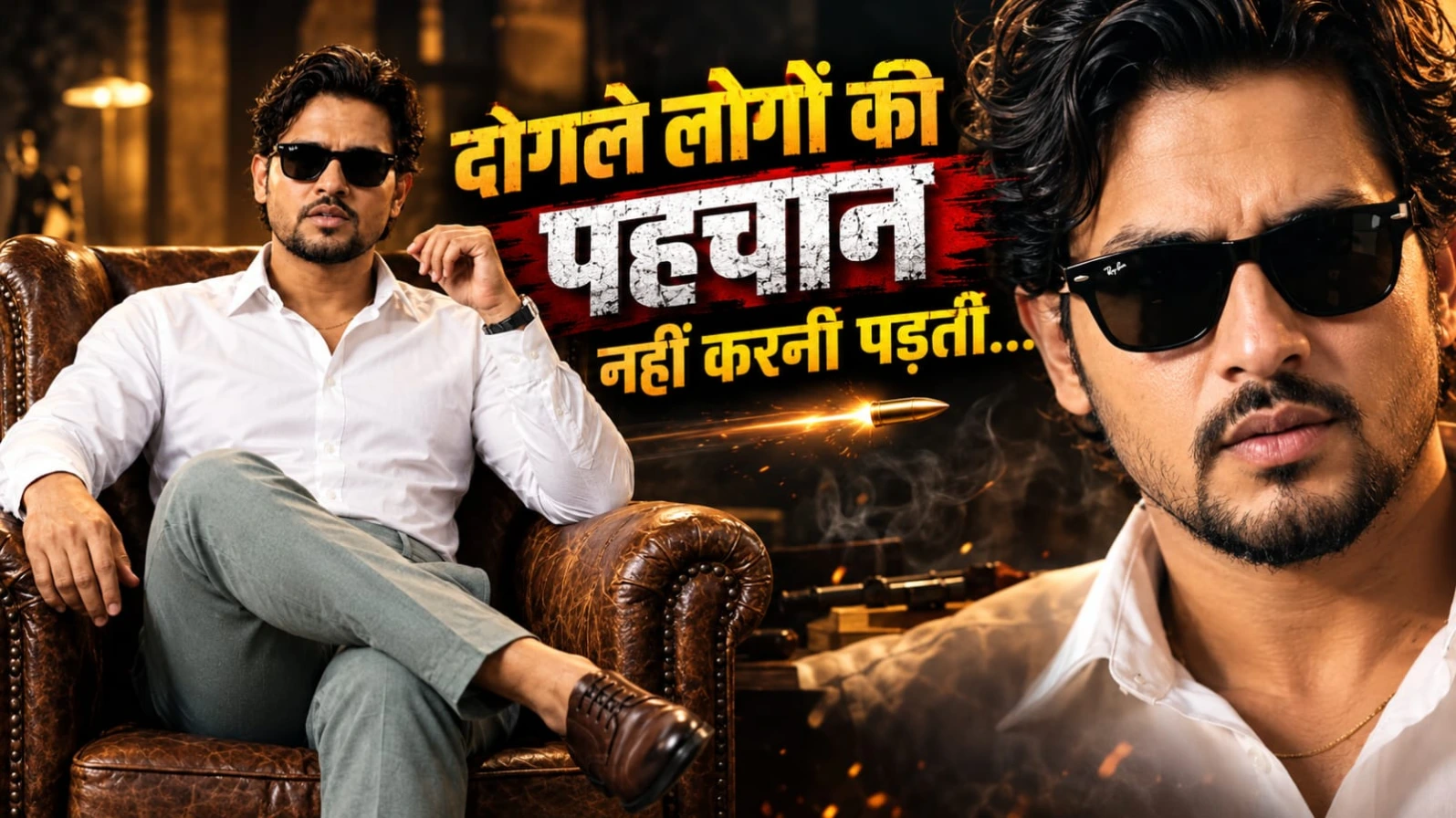
Gangster Attitude AI Video Prompt se aap ek powerful cinematic Hindi dialogue video create kar sakte hain. Is concept mein ek South Asian man vintage brown leather wingback armchair par confidently baitha hua hai. Character ke voluminous wavy dark hair, neatly groomed goatee beard aur classic black Wayfarer sunglasses hain.
Uska outfit white cotton shirt hai, jiske top two buttons open hain. Neck par thin gold chain, sage-grey trousers, black leather-strap watch aur burnished brown Oxford shoes hain. Background mein textured terracotta-amber studio setup aur warm cinematic lighting rakhi gayi hai.
Video mein character seated position mein hi rehta hai. Woh do Hindi dialogue lines deliver karta hai aur final moment mein camera ek quick punch-in karta hai. Deep bass impact aur metallic sound effect video ko dramatic ending dete hain.
Gangster Attitude AI Video Kaise Banaye
Step 1: Character Reference Photo Banayein
Sabse pehle ChatGPT ya AI image generator ki madad se character reference photo banayein. Character ke medium wavy dark hair, neat goatee aur black Wayfarer sunglasses hone chahiye. Face aur facial hair ki details clearly visible honi chahiye.
Step 2: Outfit Details Set Karein
Character ko crisp white cotton shirt pehnayein, jiske top two buttons open hon. Neck par thin gold chain ho. Saath mein sage-grey trousers, black leather-strap wristwatch aur burnished brown leather Oxford shoes rakhein. Outfit ke sabhi details video mein same rehne chahiye.
Step 3: Studio Background Create Karein
Background mein textured terracotta-amber mottled wall rakhein. Character ek vintage brown leather wingback armchair par confidently baitha ho. Directional tungsten key light face par soft shadows create kare aur hair aur shoulders ke edges par subtle warm rim lighting ho.
Step 4: First Portrait Shot Generate Karein
Video ki shuruaat medium portrait shot se karein. Character chair par relaxed lekin commanding posture mein baitha rahe. Camera steady ho aur character ka face, shirt aur chair clearly visible hon.
Step 5: First Hindi Dialogue Add Karein
First dialogue calm aur confident voice mein deliver hona chahiye:
"Dogle logon ki pehchaan nahi karni padti..."
Character ka expression serious rahe. Mouth aur jaw movements natural hon aur body posture stable rahe.
Step 6: Second Dialogue Generate Karein
Ab character ek subtle head movement ke saath second dialogue bole:
"Waqt aane par wo apni aukaat... dikha hi dete hain."
Dialogue ke beech natural pause rakhein. Character ka expression controlled aur confident hona chahiye. Extra hand gestures ya unnecessary body movement add na karein.
Step 7: Final Camera Punch-In Add Karein
Dialogue complete hone ke baad camera character ke face ki taraf quick punch-in kare. Movement controlled rakhein, taaki sunglasses, face aur facial proportions distort na hon.
Step 8: Background Music Aur Sound Effects Add Karein
Opening mein low ambient synth pad aur slow melancholic piano chords use karein. Character ki voice clear aur prominent honi chahiye. Final moment mein metallic gunshot-style sound effect aur 808 sub-bass drop add karein. Yeh sirf cinematic audio effect hai, kisi visible weapon ki zarurat nahi hai.
Step 9: Lip-Sync Aur Final Editing Karein
Video ko vertical 9:16 format mein arrange karein. Agar AI Hindi lip-sync sahi generate nahi karta, to visual video separately banayein aur recorded Hindi voice ko editor mein synchronize karein. Face, sunglasses, watch, shirt aur chair ki consistency check karein. ARRI Alexa Mini LF, 50mm anamorphic aur 24fps cinematic style references hain, actual result AI tool ki capabilities par depend karega.